MTO Report Processor
Turns Spoolgen material take-off reports into clean, upload-ready data — bulk tag and description cleanup, Pcmk and RefDwg normalization, IsoLog validation, and STO generation.
The problem
A material take-off out of Spoolgen is a spreadsheet of every component in a spool: pipe, fittings, flanges, valves, gaskets, bolts. It arrives with the data the isometric drawing produced, which is not the data the purchasing and inventory systems need. Tags carry prefixes that don't belong. Descriptions are missing spec information. Part numbers (Pcmk) and reference drawings (RefDwg) are formatted inconsistently from job to job.
Cleaning that by hand is a few hundred find-and-replace operations per report, done by someone who has to remember which substitutions apply to which job. It's slow, it's inconsistent between people, and a single missed rule sends bad data downstream.
What it does
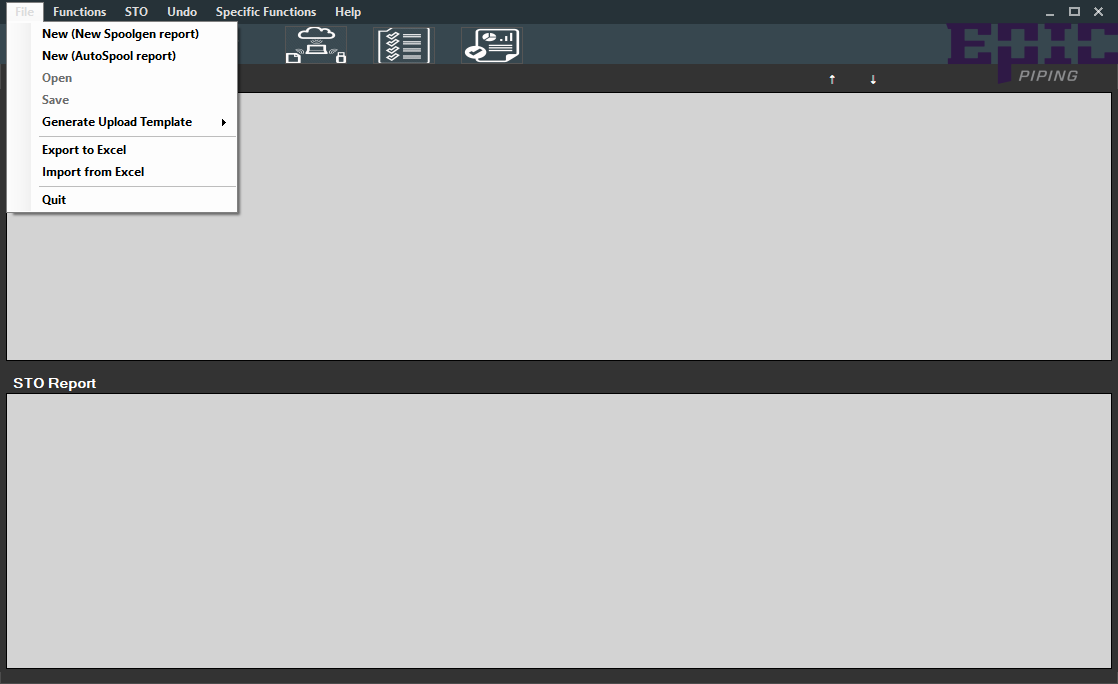
MTO Report Processor loads the take-off into a grid and gives you a menu of the cleanup operations that used to be manual — each one applied to the whole report at once, with an undo that returns you to the original sort order.
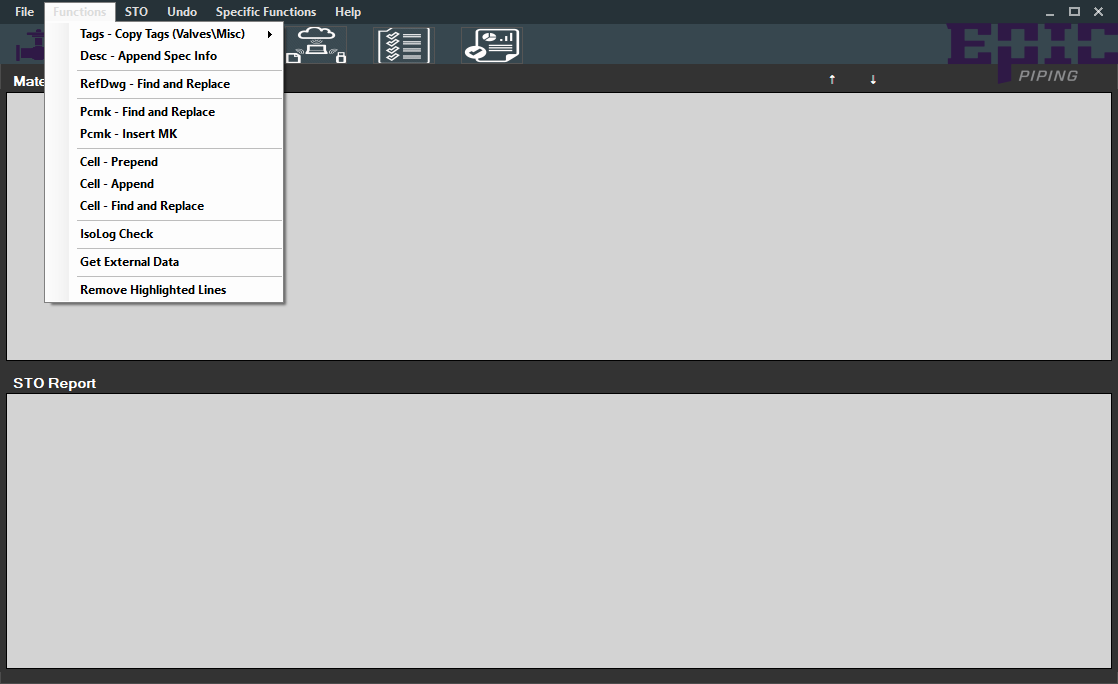
| Operation | What it fixes |
|---|---|
| Tags — Copy Tags (Valves\Misc) | Propagates tag data across valve and miscellaneous rows that share a tag. |
| Desc — Append Spec Info | Appends the spec information the description is missing. |
| RefDwg — Find and Replace | Normalizes reference drawing numbers across the report. |
| Pcmk — Find and Replace | Normalizes part numbers in bulk. |
| Pcmk — Insert MK | Inserts the material-kind marker where the part number expects it. |
| Cell — Prepend / Append / Find and Replace | Generic cell-level edits for the one-off cases. |
| Remove Highlighted Lines | Drops rows that shouldn't be in the report at all. |
| IsoLog Check | Validates the report against the IsoLog so nothing is missing or duplicated. |
Specific functions
Beyond the generic operations, the tool ships the exact substitutions that come up on real jobs — the ones that were previously tribal knowledge:
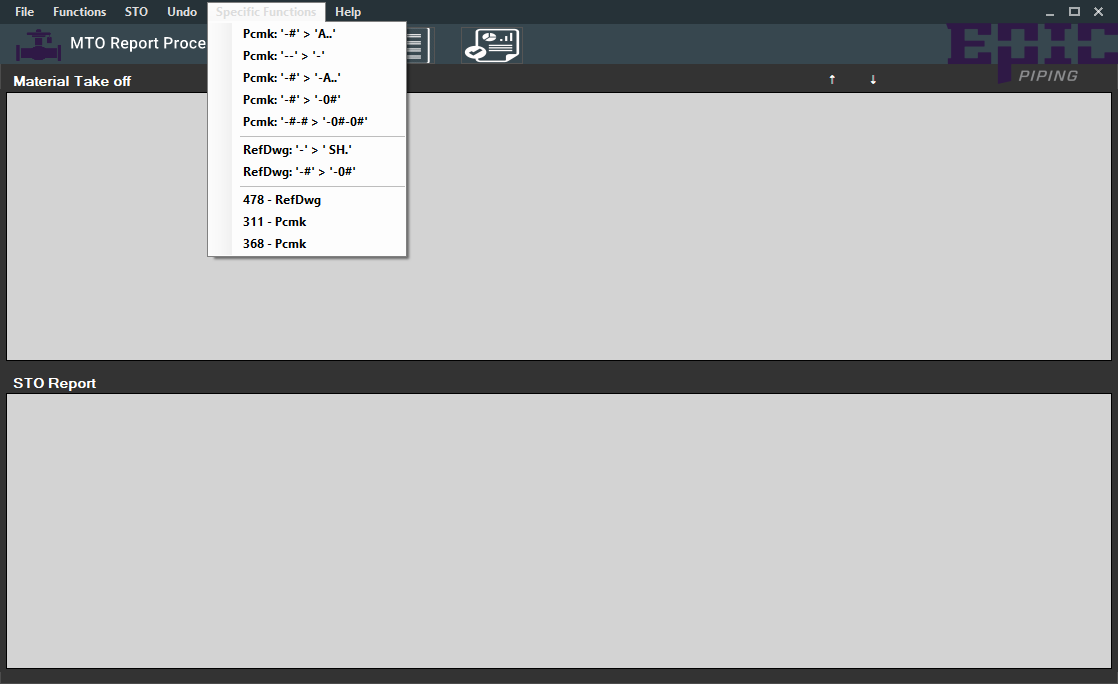
- Pcmk: '-#' → 'A..' and Pcmk: '-#' → '-A..' — part-number suffix rewrites.
- Pcmk: '--' → '-' — collapse doubled separators.
- RefDwg: '-' → ' SH.' — reference drawing prefix normalization.
- RefDwg: '-#' → '-0#' — zero-padding for single-digit suffixes.
- 311 - Pcmk, 368 - Pcmk, 478 - RefDwg — job-specific rules kept as one-click actions.
From MTO to STO
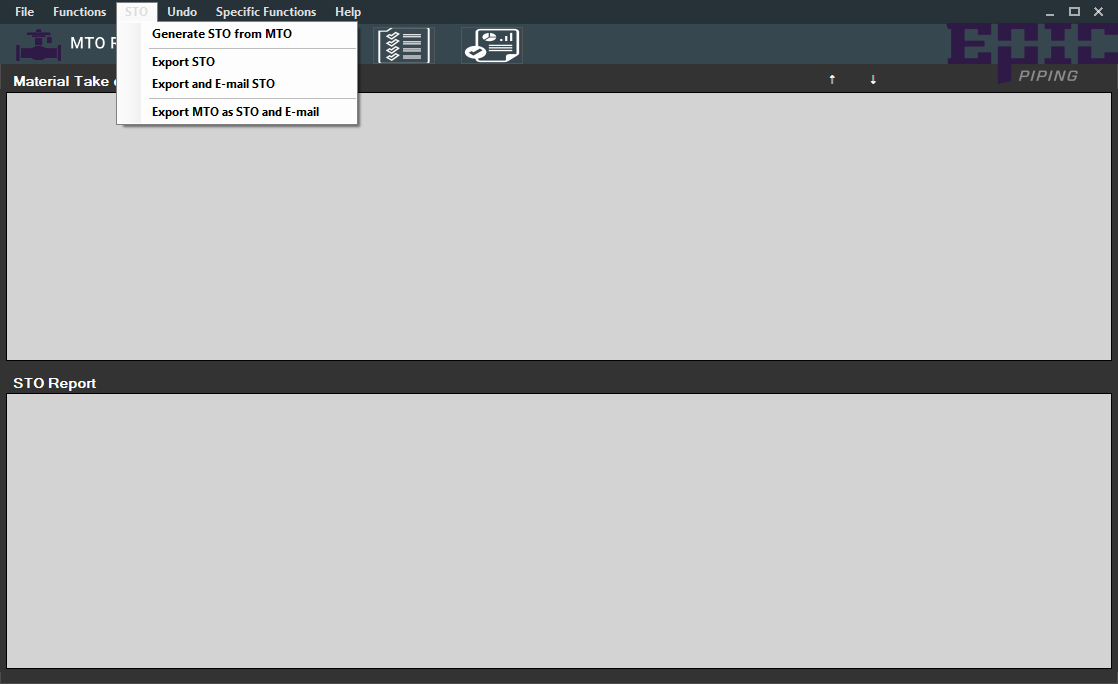
The take-off is only half the job. The shop also needs a STO — the short take-off that actually gets uploaded. The tool generates one directly from the cleaned MTO, exports it, and can e-mail it in a single action.
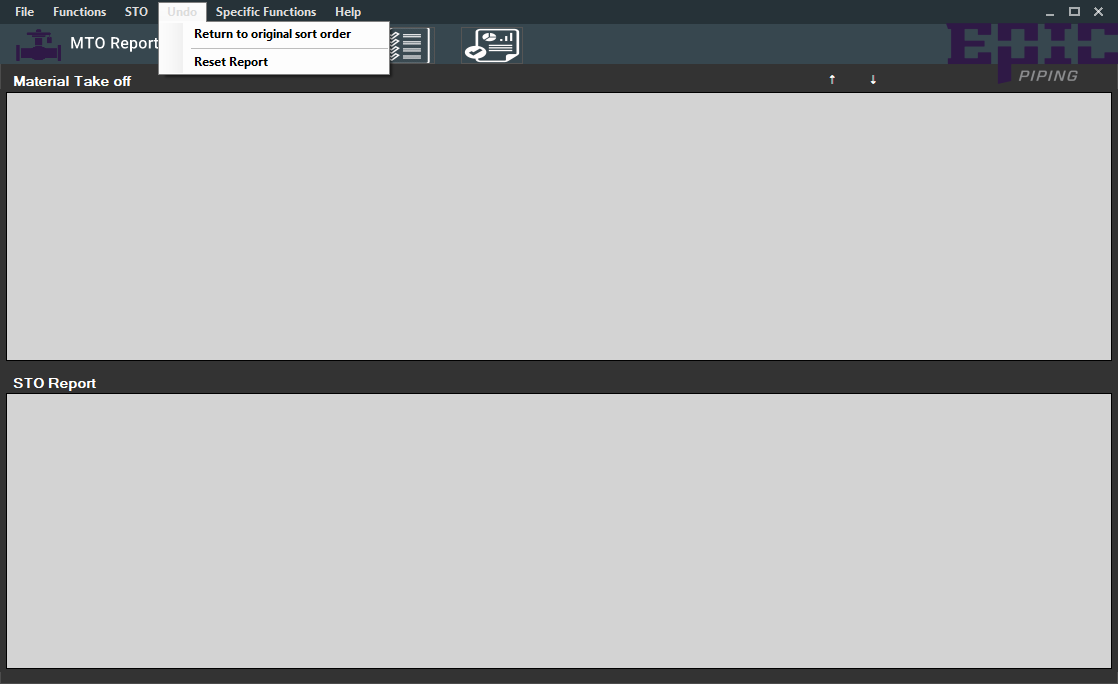
Every cleanup operation is a named, repeatable action rather than a free-form edit. That matters more than it sounds: it means two people processing the same report get the same output, and it means the rules live in the tool instead of in someone's memory. The job-specific rules are the same idea taken further — the tribal knowledge is in the menu.
Excel in, Excel out
The tool reads and writes real Excel workbooks through Office interop, so the output drops straight into the existing upload process with no conversion step. Reports are written to a MTO Report Processor folder on the desktop, and the export offers to open the file the moment it's created.
CSV imports go through OleDb with a Jet provider, and the grid is backed by a typed dataset so the report structure is validated as it loads rather than discovered at upload time.
Engineering notes
- Typed datasets over loose tables — the report schema is declared, so a malformed take-off fails loudly at import instead of silently producing a bad upload.
- Undo as a first-class feature — bulk operations are only safe if you can get back to where you started, so "return to original sort order" is a menu item, not an afterthought.
- IsoLog validation — comparing the report against the isometric log catches the missing and duplicated spools that used to be found downstream.
- Theme persistence — small thing, but a tool someone lives in all day should remember how they like it.
Status
Deployed and in production use. The source is on GitHub, including the tutorial material that ships with the app — a general walkthrough, a valve-specific one, and a find-and-replace one.