Forge
Merges work order numbers with plate heat numbers based on the NestPlan number — full material traceability without the spreadsheet gymnastics.

The problem
Traceability is a hard requirement in fabrication. If a plate turns out to have a problem, you need to know exactly which work orders it went into — and that means knowing which heat number each plate carried.
The information exists, but it's split across two places. The work orders come from one file. The heat numbers live in the cut log, which you save a copy of manually. The link between them is the NestPlan number — the nesting job that turned a plate into parts.
Joining those three things together by hand, for every batch, is exactly the kind of work a computer should be doing.
The workflow
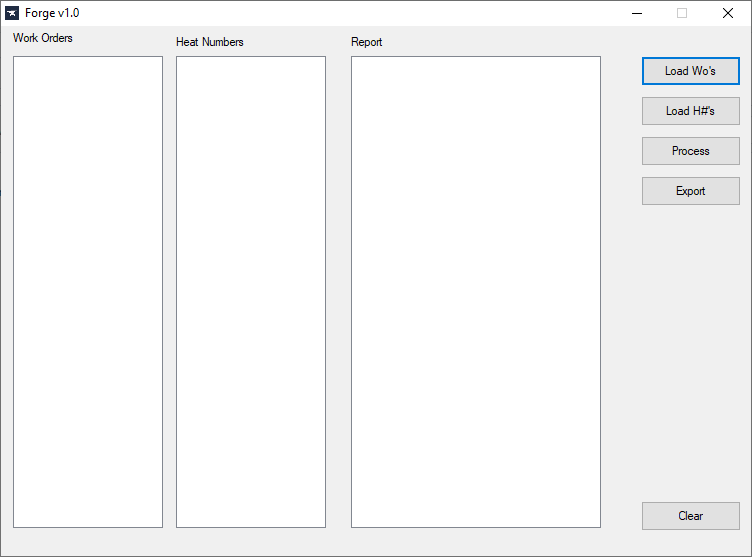
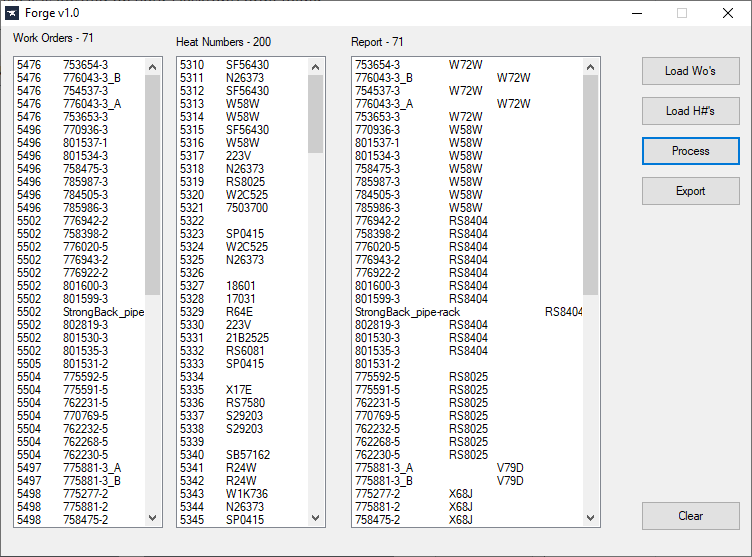
- Load WOs — select the work order file(s) you want to process.
- Load H#s — navigate to the cut log on OneDrive, save a copy into the Forge folder, and load it. Both .xlsx and .csv are supported.
- Process — Forge joins the two datasets on the NestPlan number.
- Export — write the merged result out as a CSV, with a prompt to open it immediately.
Output lands on the Desktop in a Forge folder, so it's where you already expect to find it.
Forge is a data-shuffling tool with a small GUI, and AutoHotkey turned out to be the fastest way to build one that a shop-floor user could actually run. Fast to write, no runtime to deploy, and the file/Excel handling it needed was built in. Choosing the right tool beats choosing the impressive one.
Screenshots
Why it matters
Heat-number traceability isn't optional in fabrication — it's the record that proves which material went into which job. Forge turns a manual, error-prone join into a four-click process that produces a clean file, which means the traceability data is actually complete and actually current instead of being reconstructed later under pressure.