BOM Extractor
Feed it a piping schematic and it reads the bill of materials for you — with a workbench to confirm, correct, and teach it. Coming soon.
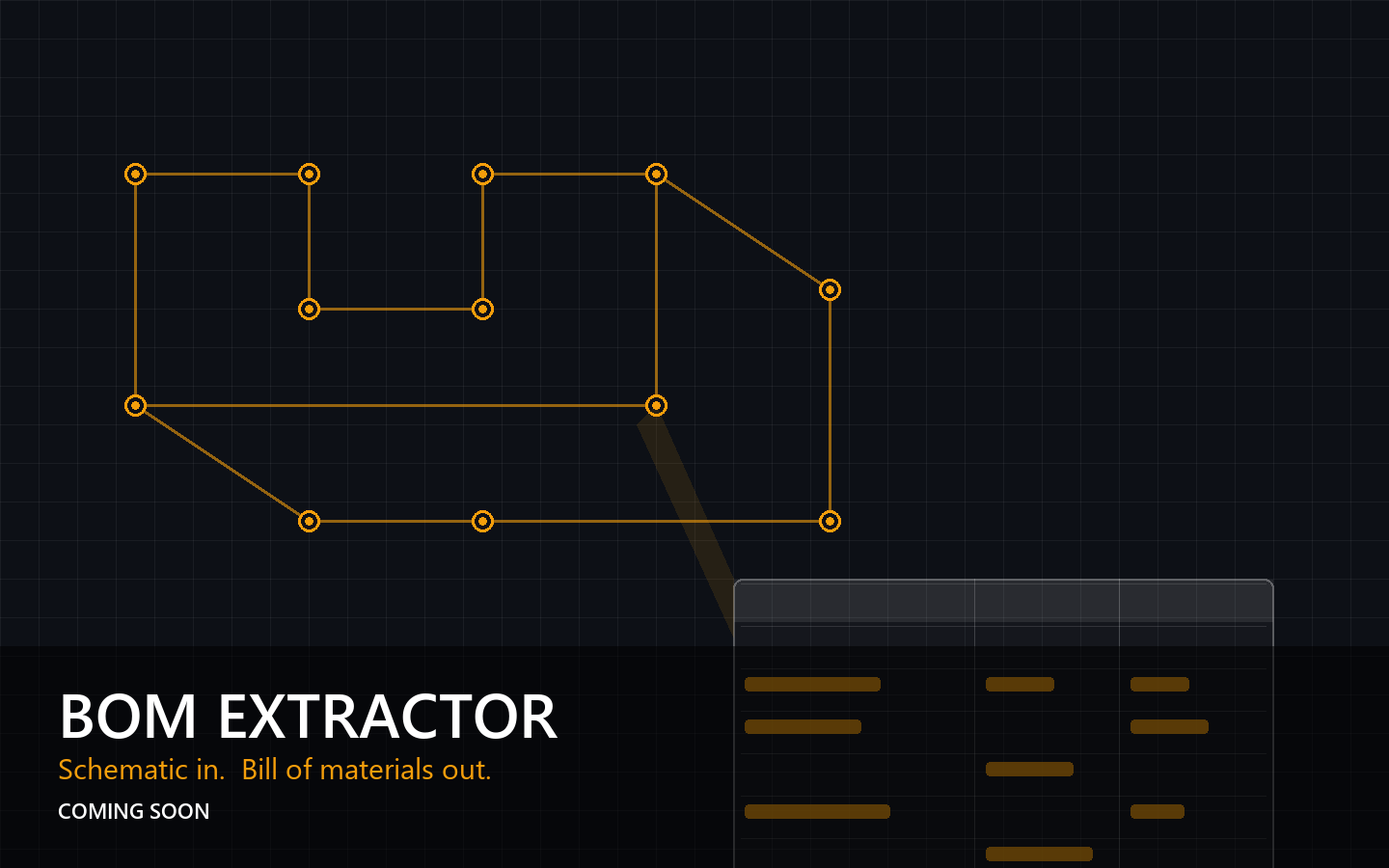
The tease
BOM Extractor isn't public yet. What follows is a first look at what it does and where it's headed — the full writeup, screenshots, and results land when it ships.
Every take-off starts the same way: someone opens a piping schematic and transcribes a bill of materials by hand. It's slow, it's tedious, and every transcription is a chance to drop a line item. BOM Extractor reads the drawing so nobody has to.
What it can do
- Extract the BOM table from a scanned or PDF'd schematic — headers, line items, quantities, and specs — without assuming where the table lives on the page.
- Catch detail-only items — the notes and callouts that never make it into the printed table but still end up on the cut list.
- Cross-reference and dedupe — the same component described two ways gets reconciled into one row.
- Learn from corrections — fix a row in the workbench and the tool remembers the pattern for next time.
How it works
The pipeline is deliberately boring where it counts. The drawing is rasterized at high DPI, sliced into overlapping tiles, and fingerprinted. Template matching finds the header anchor, a directional scan walks the rows, and a detail sweep picks up anything outside the table. Everything is stored in normalized coordinates — so a correction made on one page layout survives the next drawing.
- Rasterize the source at 300–400 DPI and tile it with overlap.
- Fingerprint tiles and template-match to find the BOM header.
- Scan directionally from the anchor to assemble rows; sweep for detail-only items.
- Cross-reference, dedupe, and assemble the candidate table.
- Hand it to the workbench: confirm, reject, or redraw on a canvas over the original drawing.
The workbench is the point. Vision models get you most of the way; a human in the loop closes the gap — and every correction feeds a rule that makes the next extraction better.
Why it matters
Take-off errors are expensive in pipe fabrication — a missed line item surfaces as a shortage at the saw, or worse, at the fit-up. This tool sits directly in that workflow: same shop-floor problems as the ArcSuite tools, aimed at the drawing instead of the report.
Full details, screenshots, and extraction results will be published here when BOM Extractor is ready to show.