Epic Piping Item Upload Tool
A desktop application in daily production use at Epic Piping that creates and revises JDE partcodes — cutting data-entry time while removing the errors that manual entry caused.
The problem
Every fitting, valve, flange, and pipe item in the shop needs a partcode in JDE before it can be bought, stocked, or issued. Creating one means filling in a fixed set of segments, each with a required length and format, and each partcode has to be checked against the Item Master to see whether it already exists.
Done by hand in JDE, that's slow and it's error-prone in ways that are expensive: a wrong segment means a part that can't be ordered correctly, discovered days later.
This tool was built to make that process fast and to make the errors structurally impossible.
Live Item Master validation
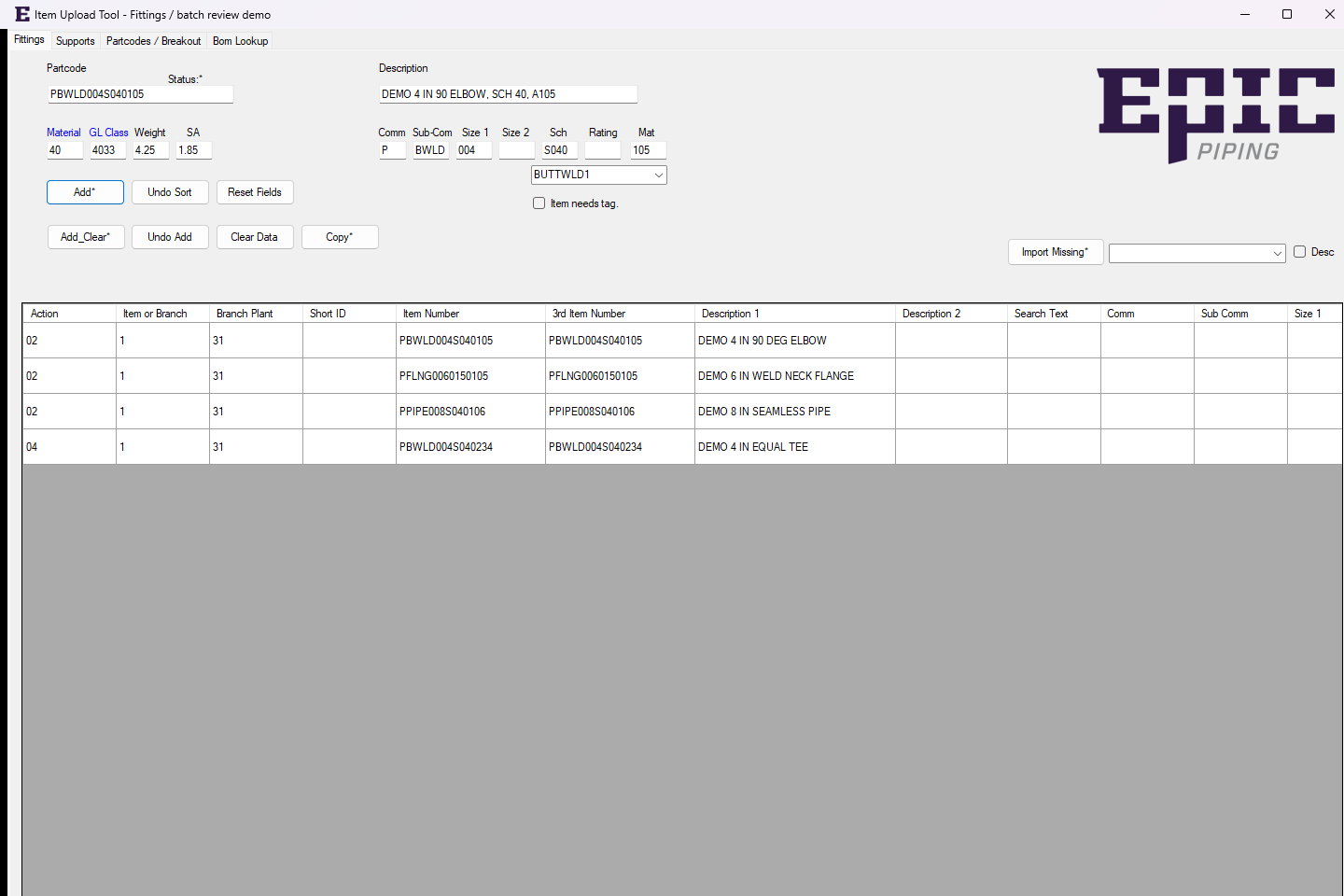
The app checks each partcode on the fly against an Item Master table that refreshes every 15 minutes. If the partcode already exists, a green status indicator appears and a single click imports all of its segments — so you're building on what's already there instead of retyping it.
Refreshing constantly would hammer the source system; refreshing daily would let duplicate partcodes slip through. A rolling 15-minute snapshot is the compromise that keeps the check useful without becoming a bottleneck.
Guardrails instead of warnings
Rather than validating after the fact, the tool refuses to let a bad partcode progress:
- All segments must be populated before the partcode can be advanced.
- Weight must be greater than zero, and surface area must be greater than zero.
- Surface area must be less than weight.
- Description text splits at 30 characters automatically, so segment length limits aren't exceeded.
Templating and segment placement
The correct template is selected automatically based on the subcommodity, and partcode segments are placed into the right positions automatically. That means the person creating the partcode is answering questions about the part, not about JDE's field layout.
Helpers that eliminate lookup friction
- Material helper — click the blue text, pick from the popup list, and the material field fills itself.
- GL class helper — select the GL class options and both fields populate.
Bulk import and batch operations
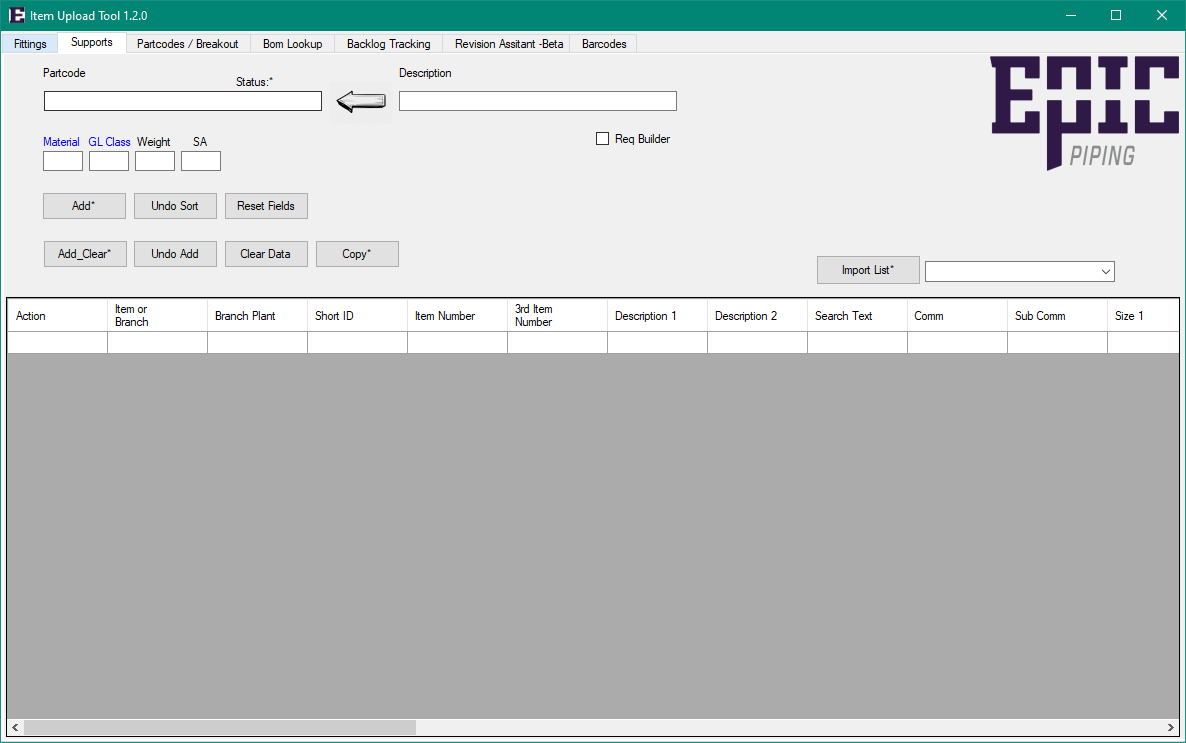
- Import Missing — pulls missing partcodes from the auto-spec-building tool into a dropdown, with or without descriptions depending on a checkbox.
- Clipboard import — right-click Import Missing to drop partcodes straight from the clipboard.
- Selecting a partcode from the dropdown fills the correct fields with its existing segments.
- Add and Add and Clear — stage a partcode into the batch grid, then either reset the fields or leave them for the next entry.
- Revise mode — right-click either add button to stage the partcode with an action of 04, revising an existing partcode instead of creating one.
Batch review before commit
Everything stages into a DataGrid that sorts when you copy, with an Undo Sort button to put it back and an Undo Add button that removes the last staged row. You review the whole batch before anything reaches JDE — which is the point, given that a silent bad write is worse than a slow one.
Lineage
This is the current version; the original ItemUploadTool repository is where the work started, and the successor is the one carrying the tab structure and functionality described above.
The tool's own documentation notes that it's still behind the implementation — a fair description of a production tool that keeps getting extended as the shop asks for more.