ArcV2_CC — BOM Report Tagger
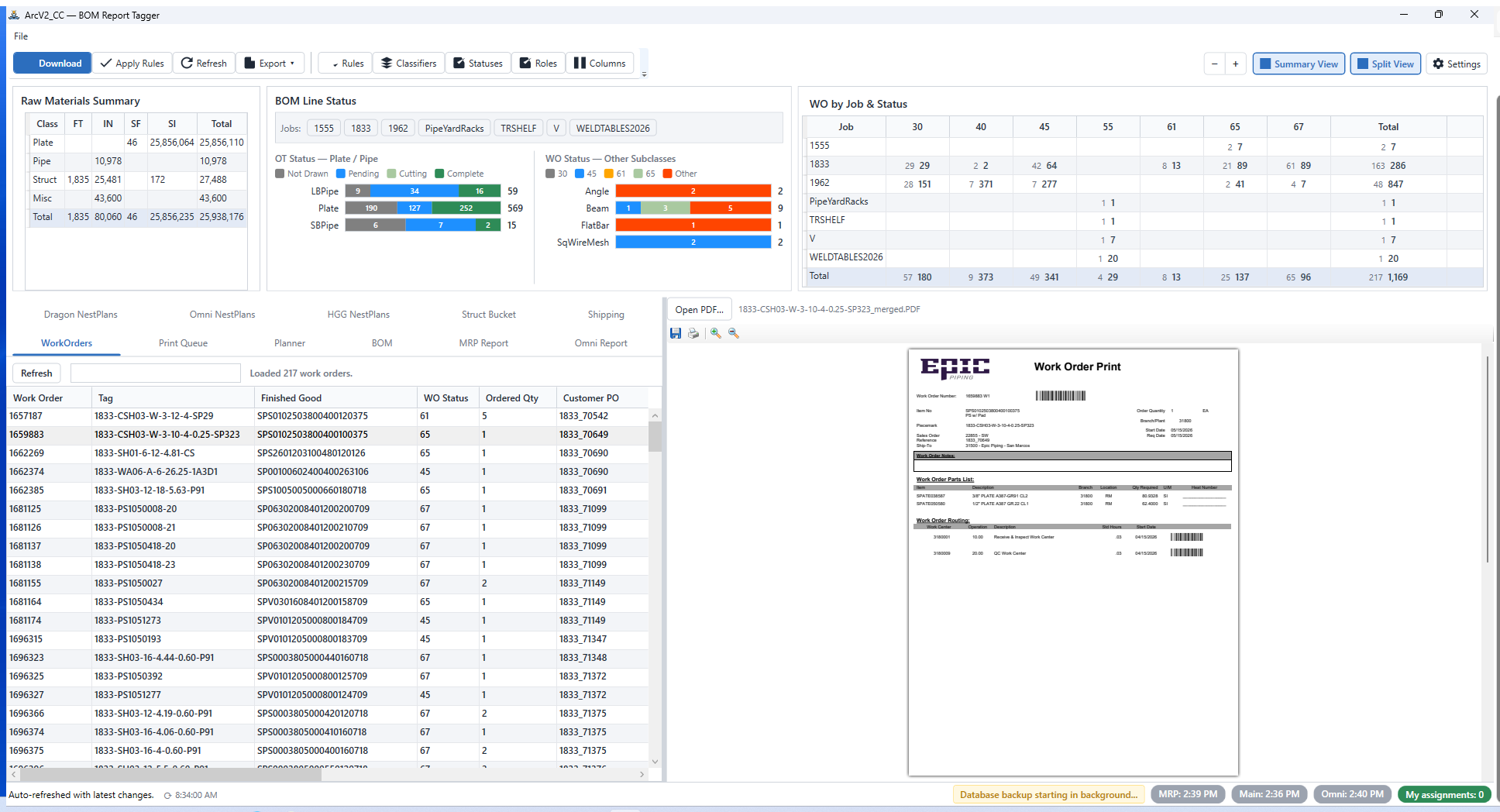
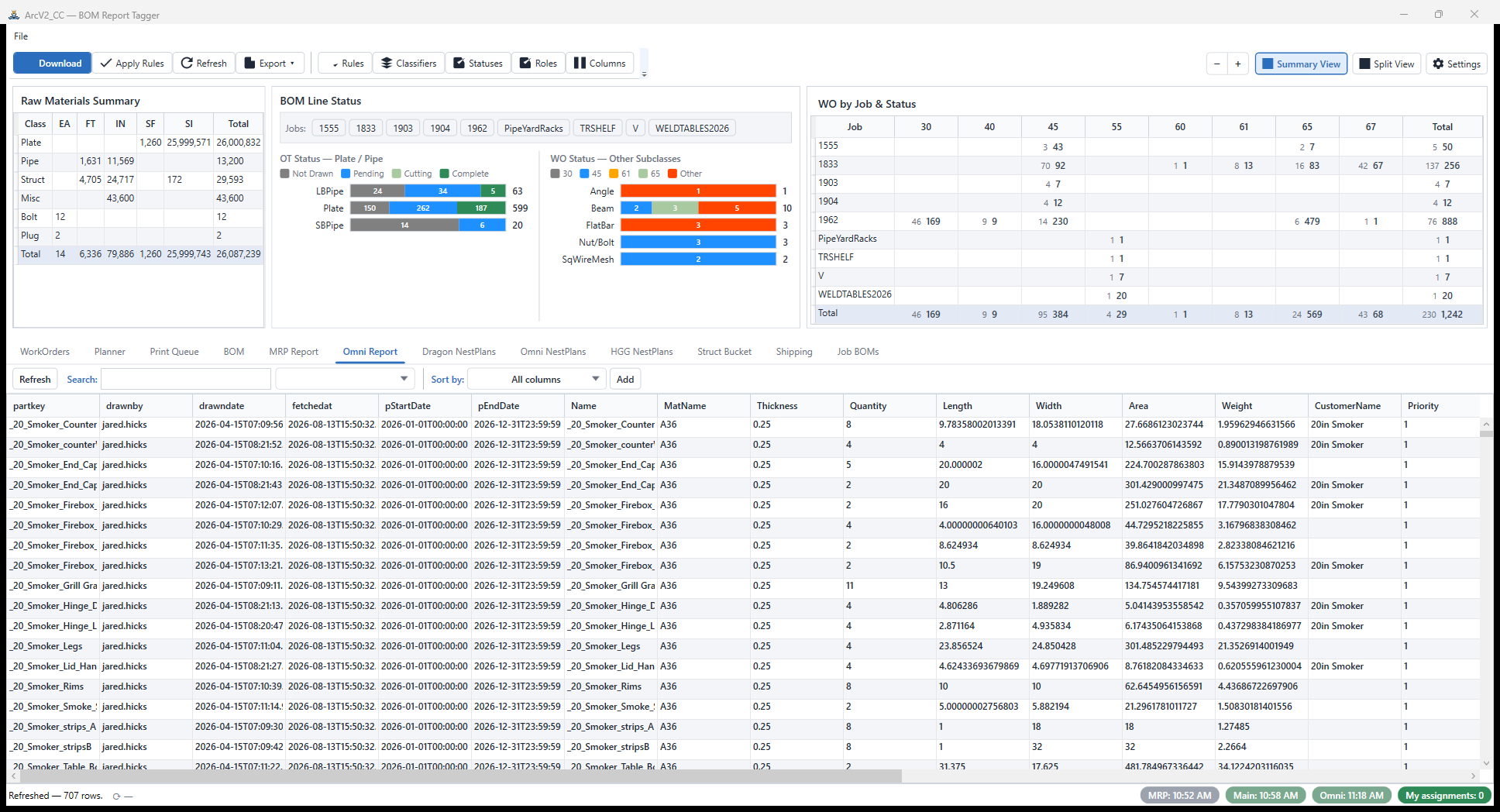
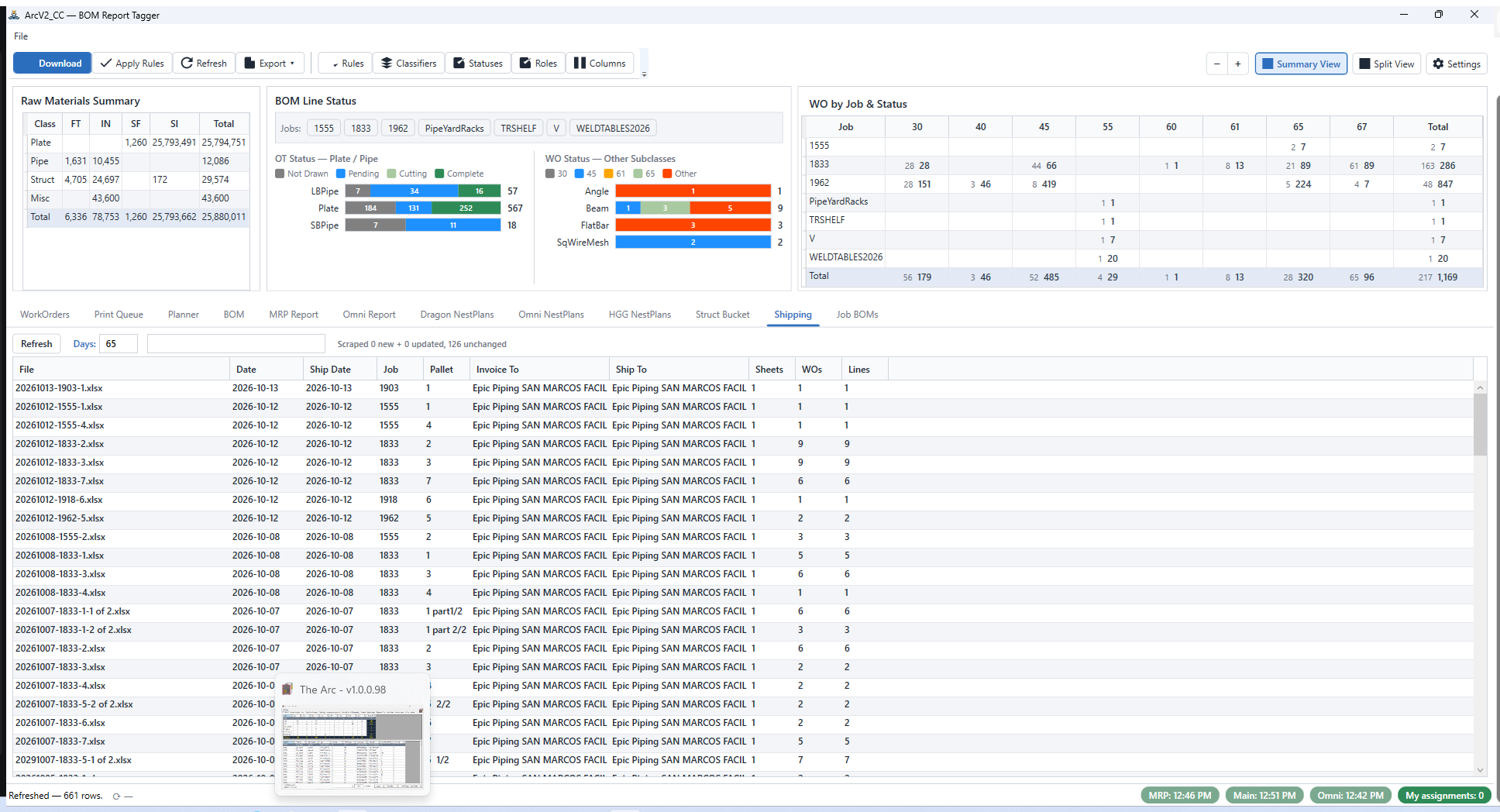
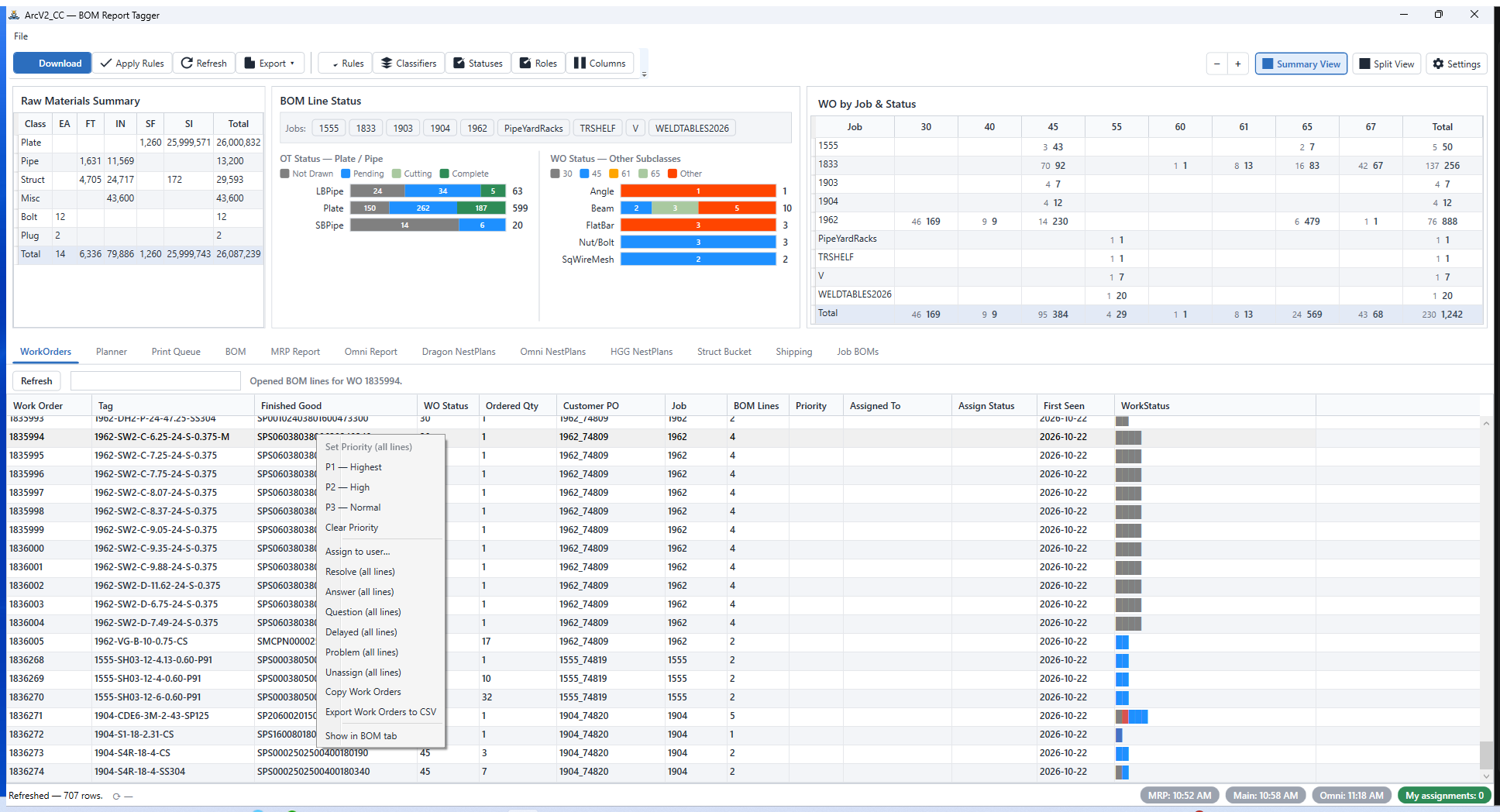
The command center of the ArcSuite. Eleven tabs that turn a raw SSRS BOM dump into classified, tagged, work-ordered, planned, printed, and shipped material — live.
What it does
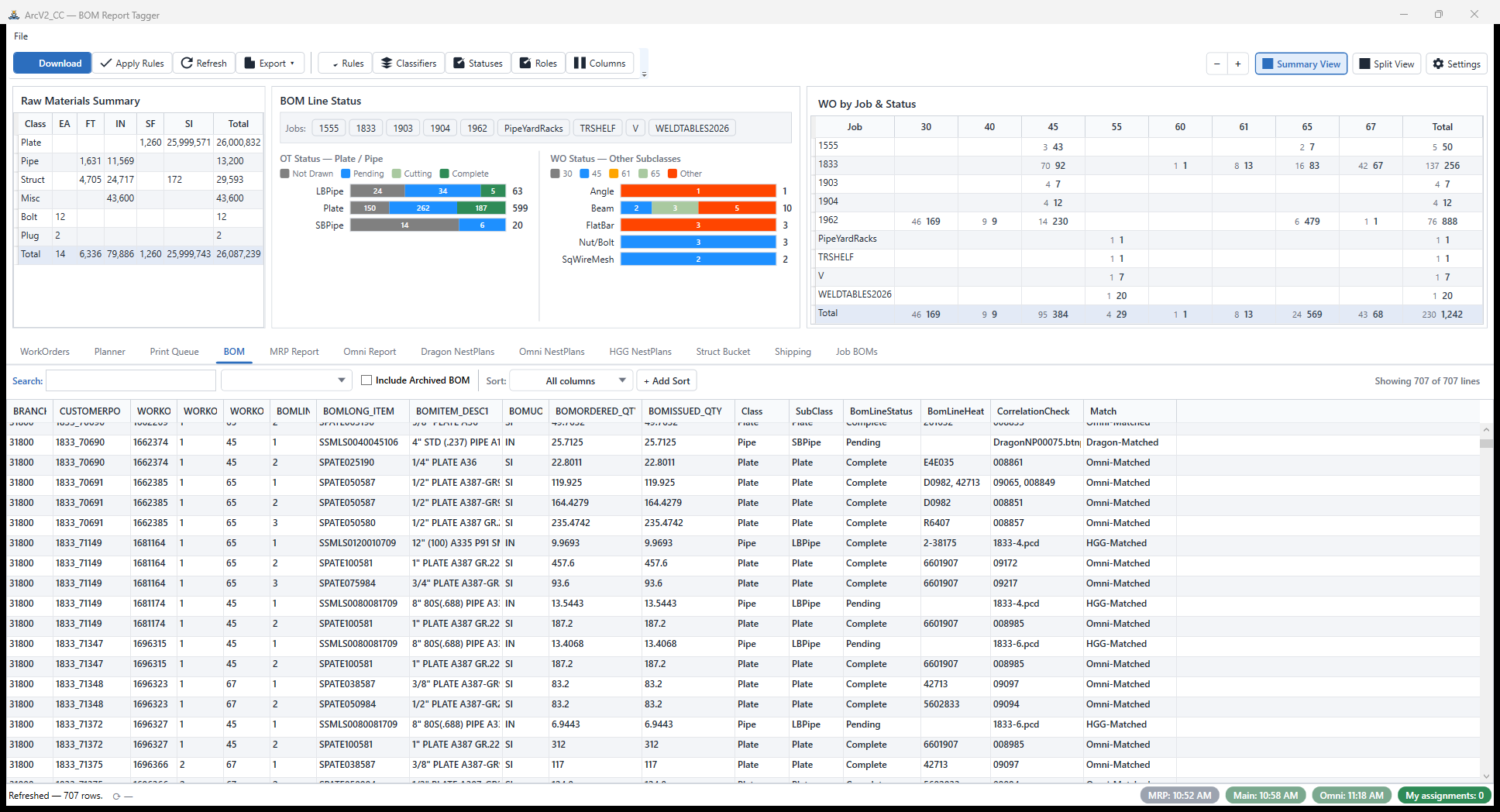
In JDE, a BOM arrives as a flat SSRS report — hundreds of lines of raw material with no context: which lines need drawings, which machine cuts them, what's done, what's next. ArcV2_CC downloads that report on a schedule, classifies every line against user-defined rules, and turns it into a live, queryable work surface that the rest of the ArcSuite reads from.
It is the write-side of the suite: OpsTool and the Digital Cubby report floor progress into it, and CC turns that into planning, printing, and shipping decisions.
The eleven tabs
| Tab | What it does |
|---|---|
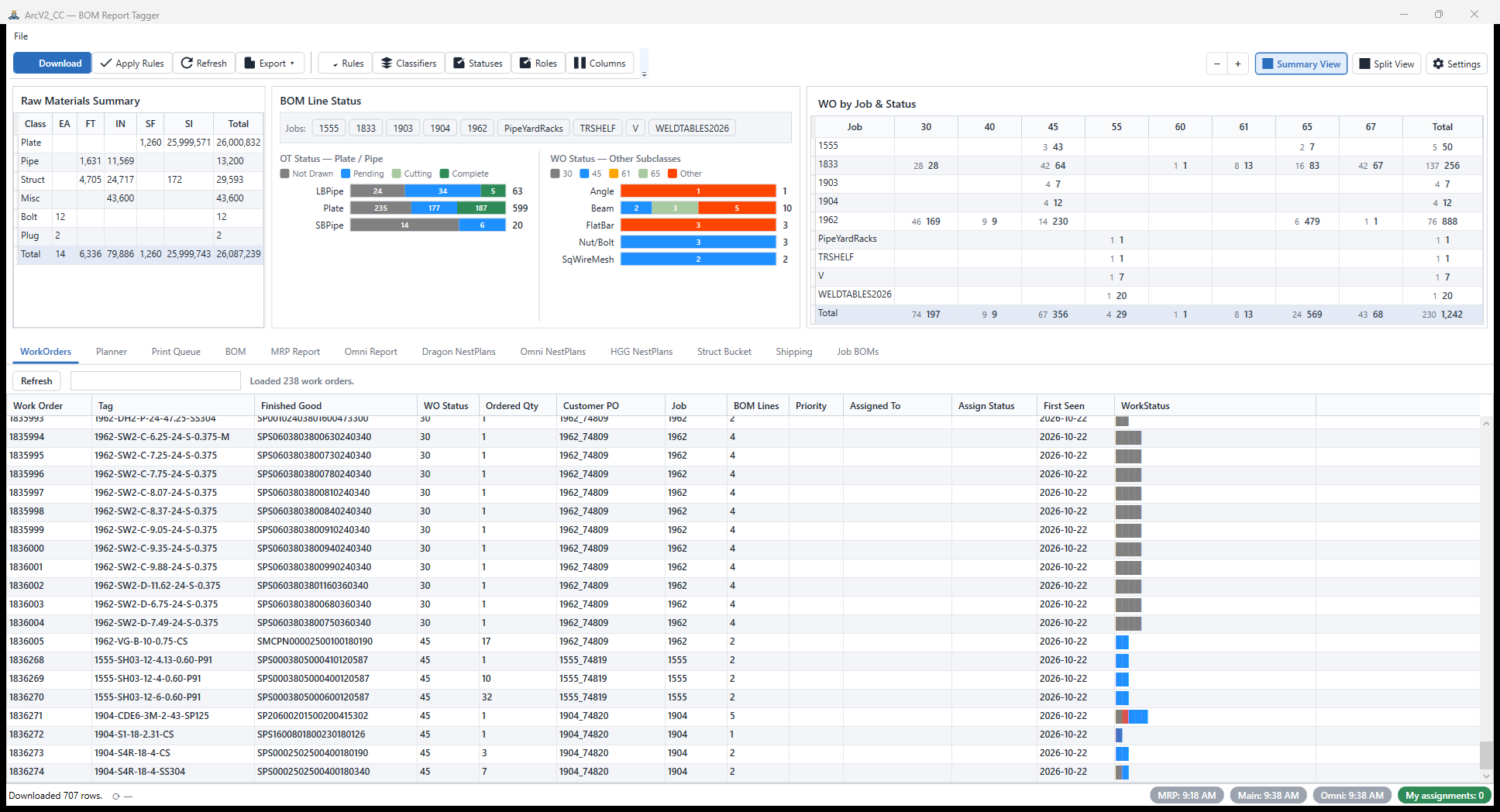
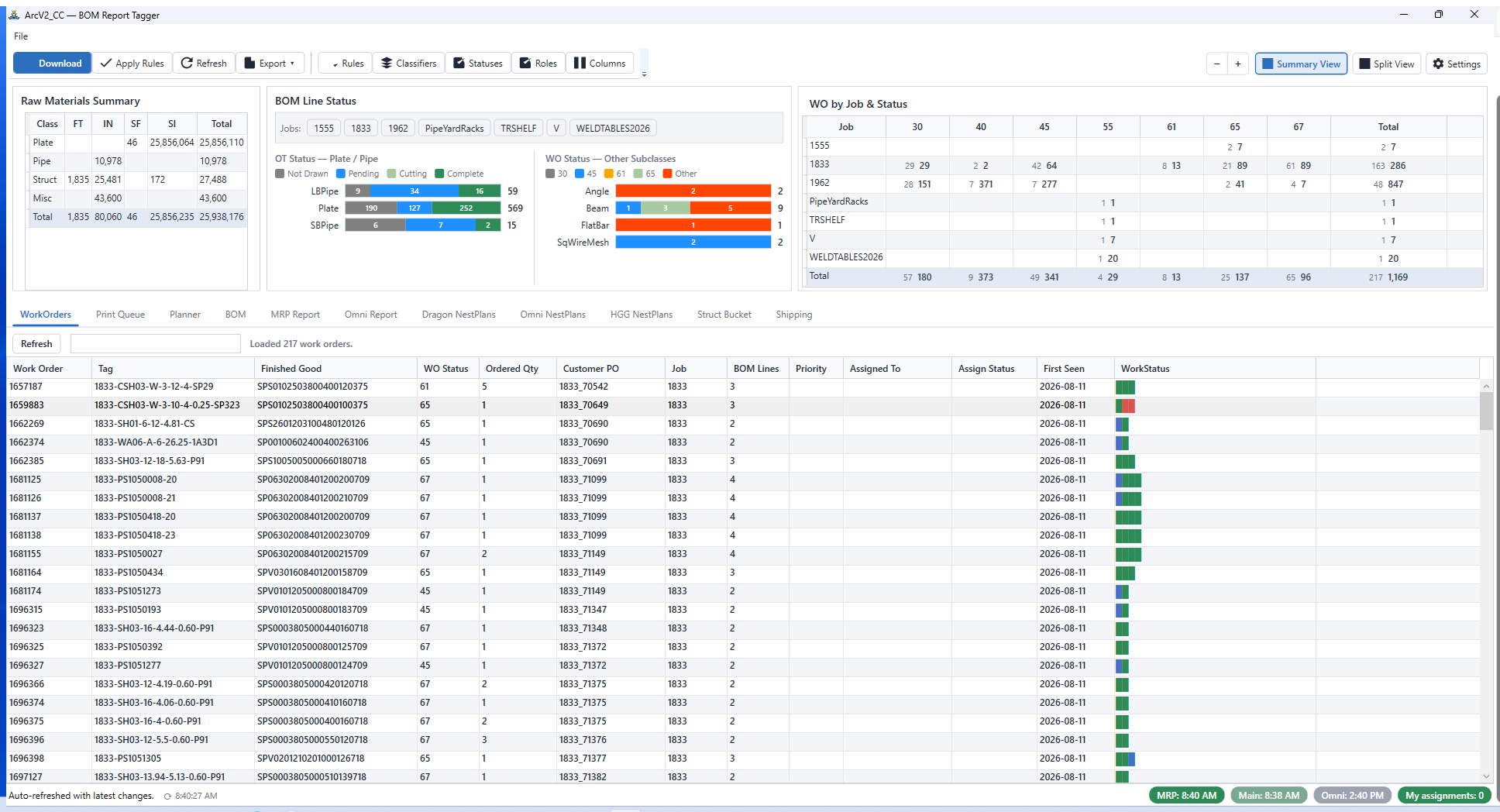
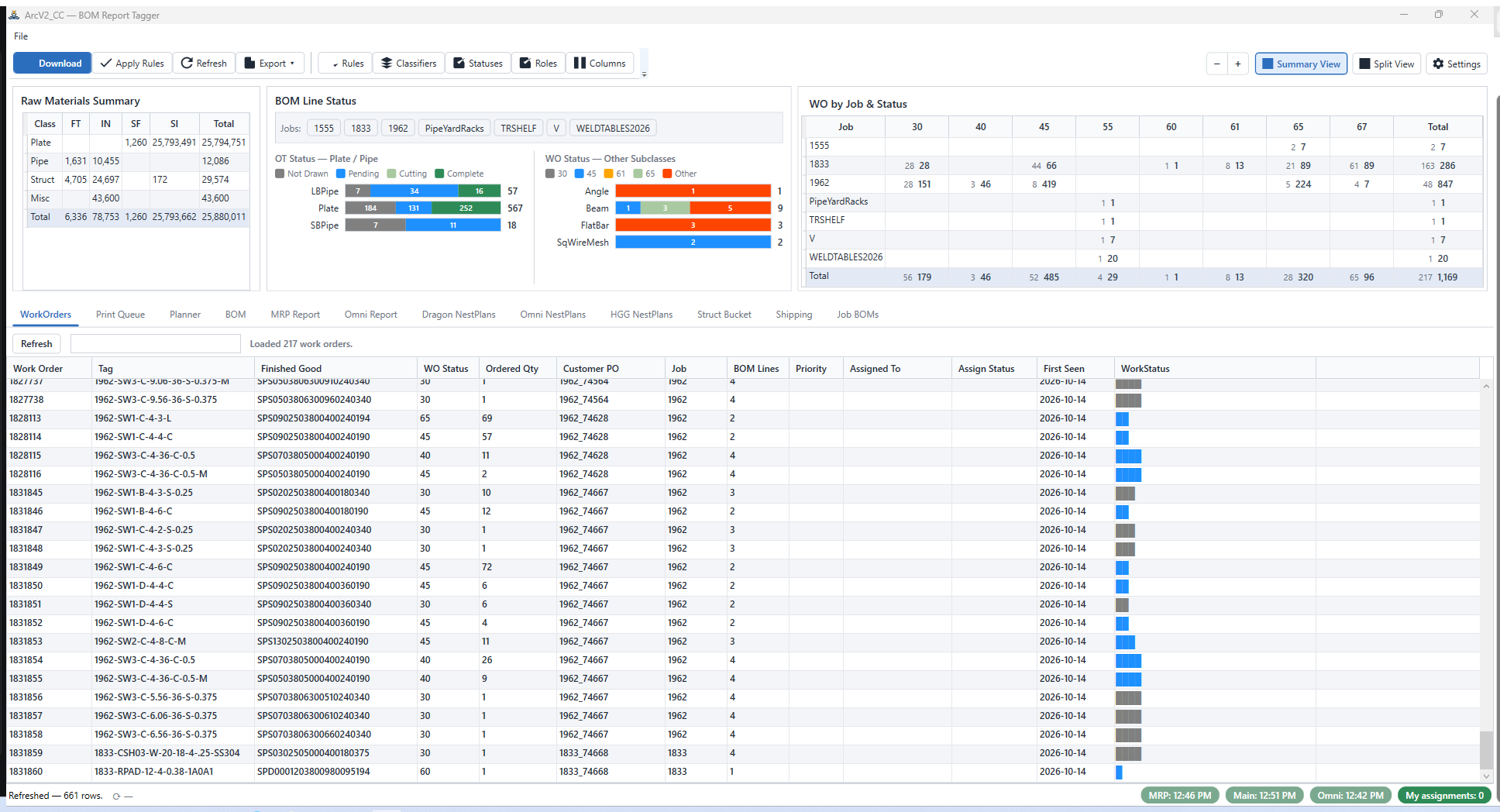
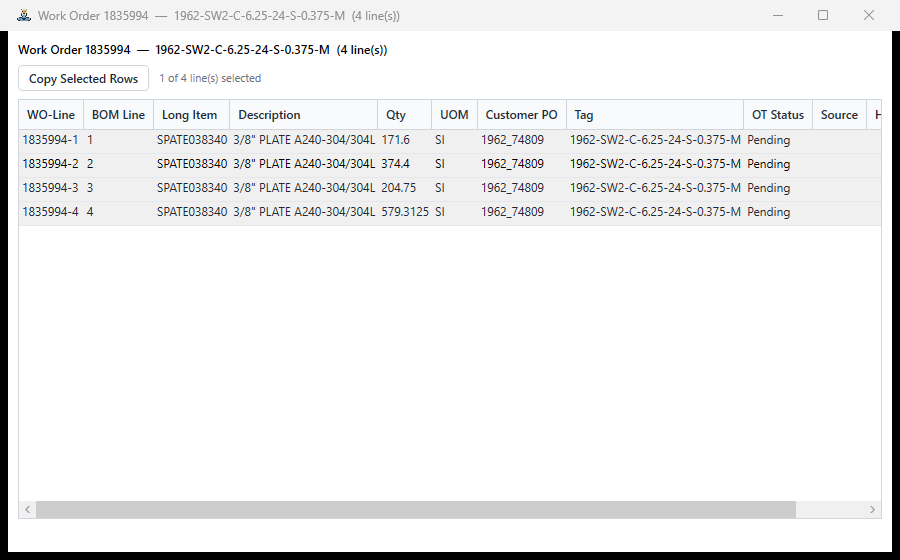
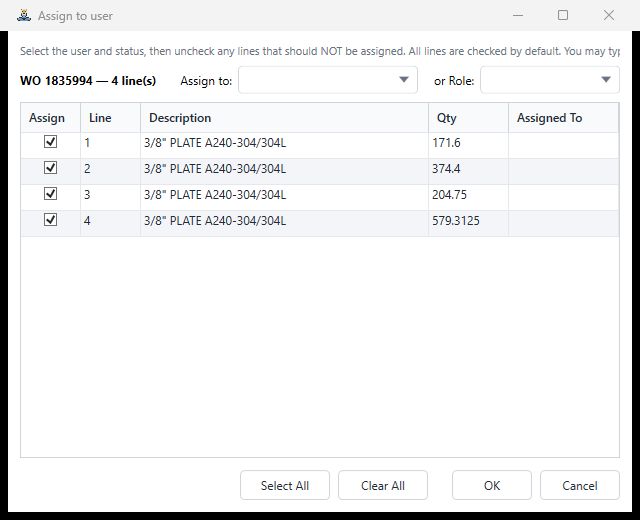
| WorkOrders | One row per work order with live status rollups, drill-through to the work-order PDF in the split pane, and cross-filtering between the summary and the grids. |
| BOM | The classified BOM itself — every line tagged by the rule engine, with raw-material totals and line-status breakdowns. |
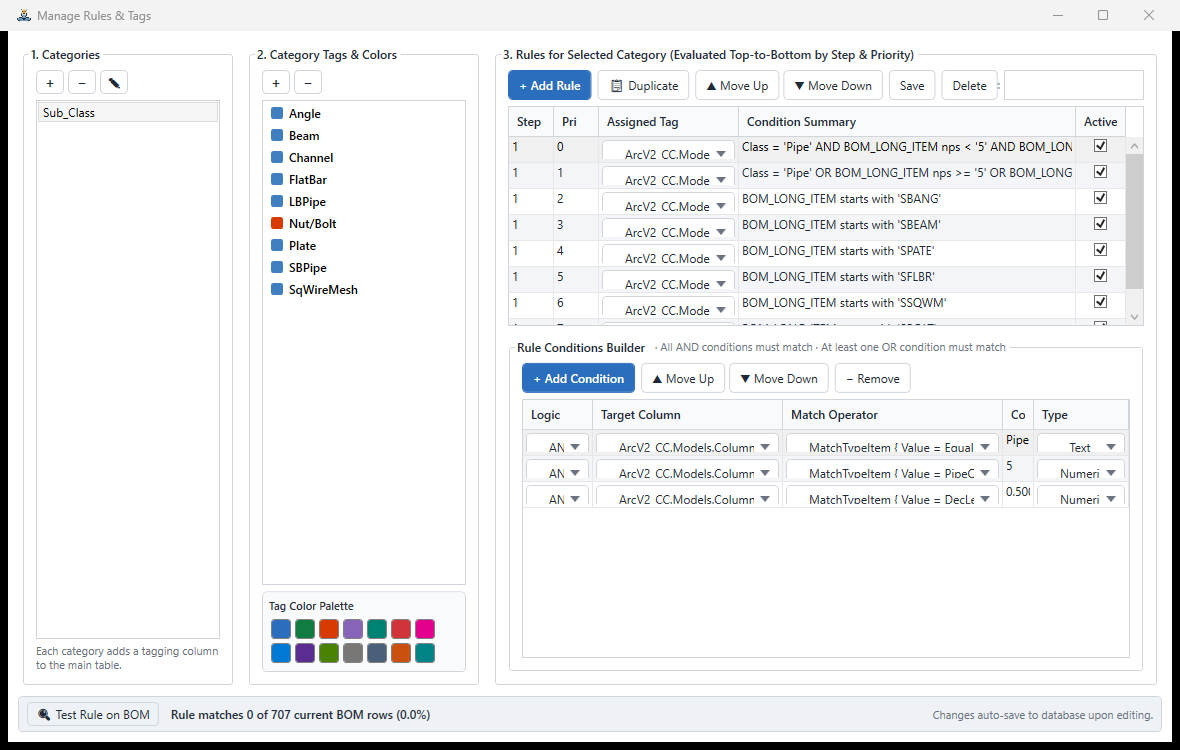
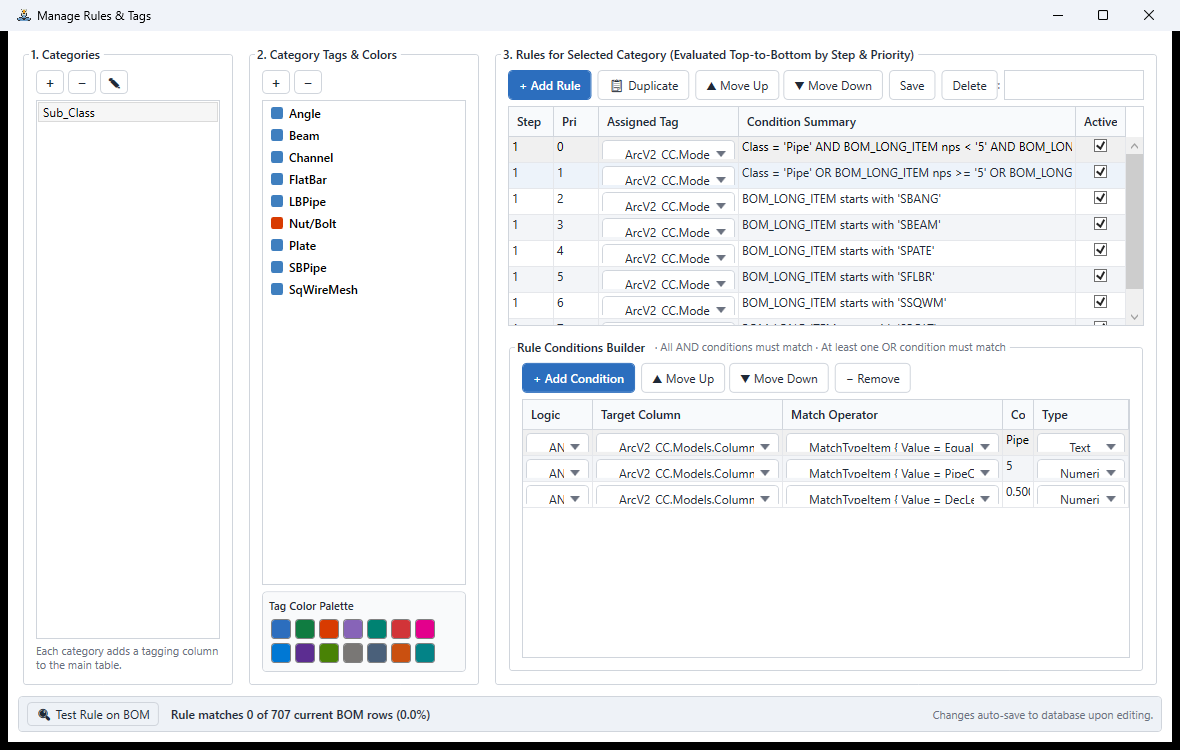
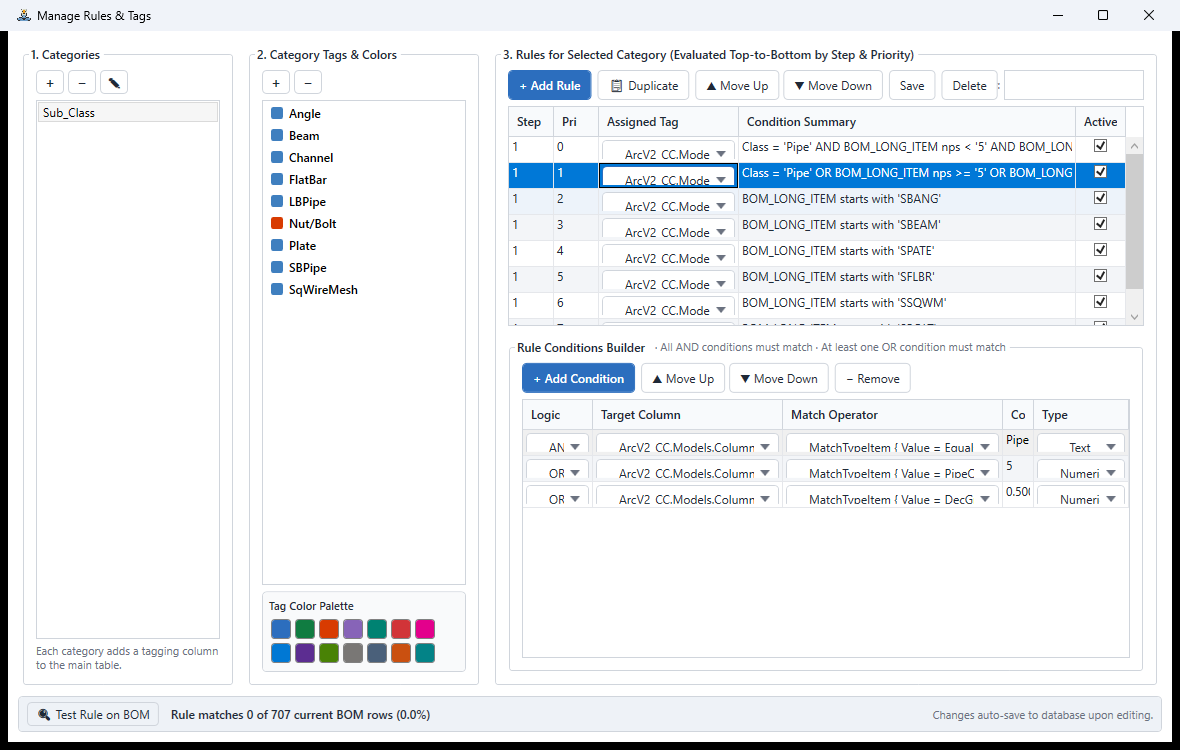
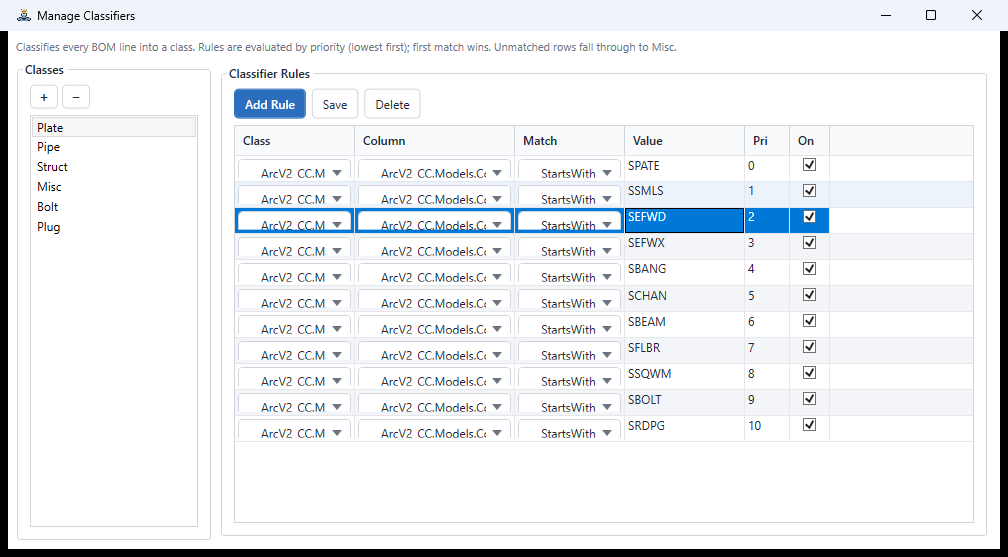
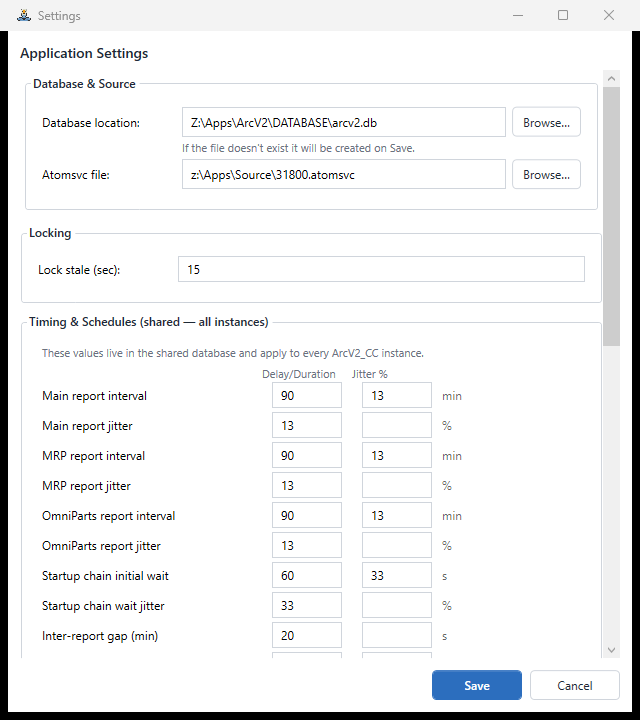
| Rules & Classifiers | User-defined, multi-condition tagging rules. Change how lines classify without recompiling anything. |
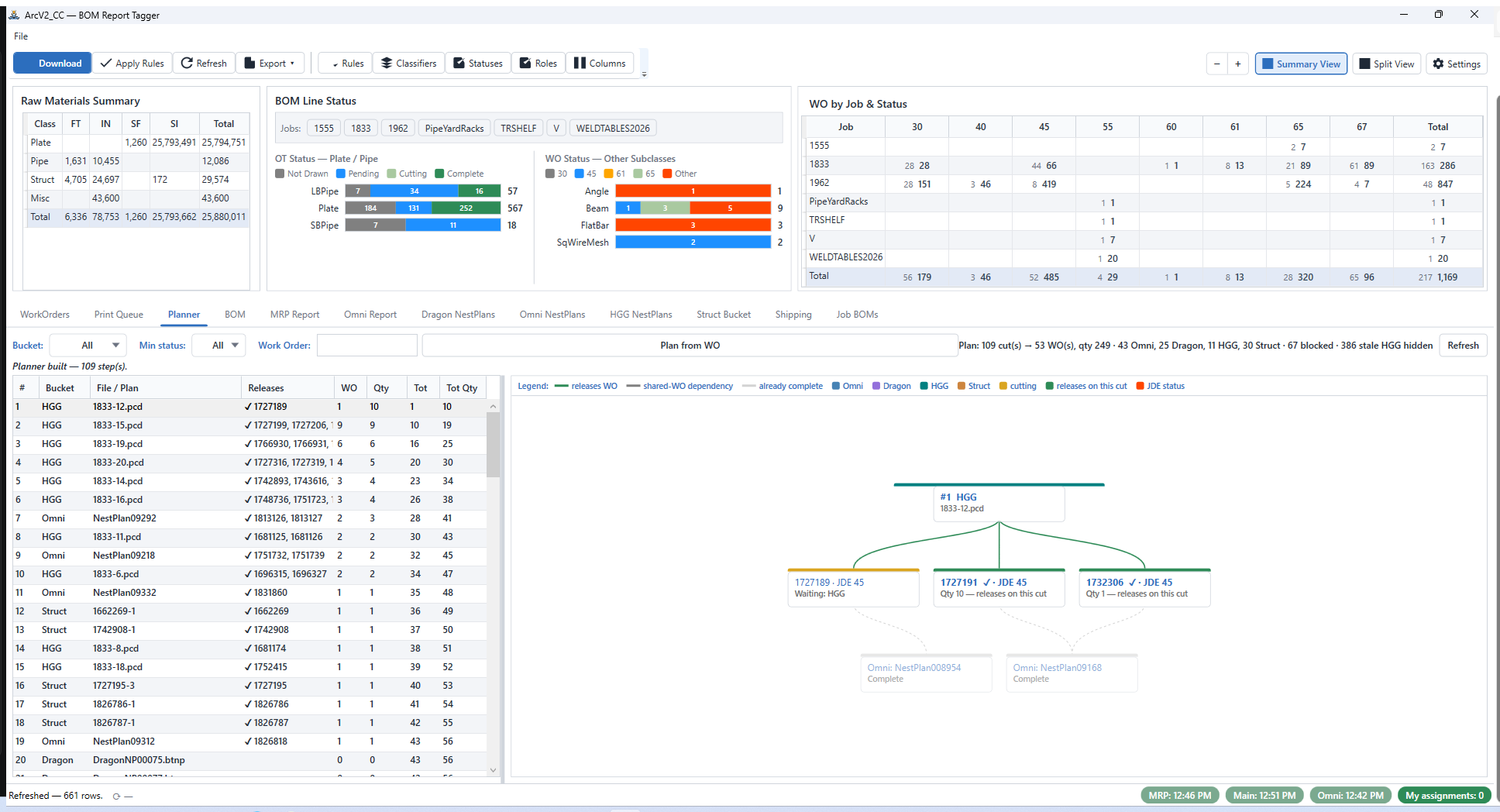
| Planner | A ranked cut list scored by qty released − 25 × dependencies, with a dependency sprawl graph. |
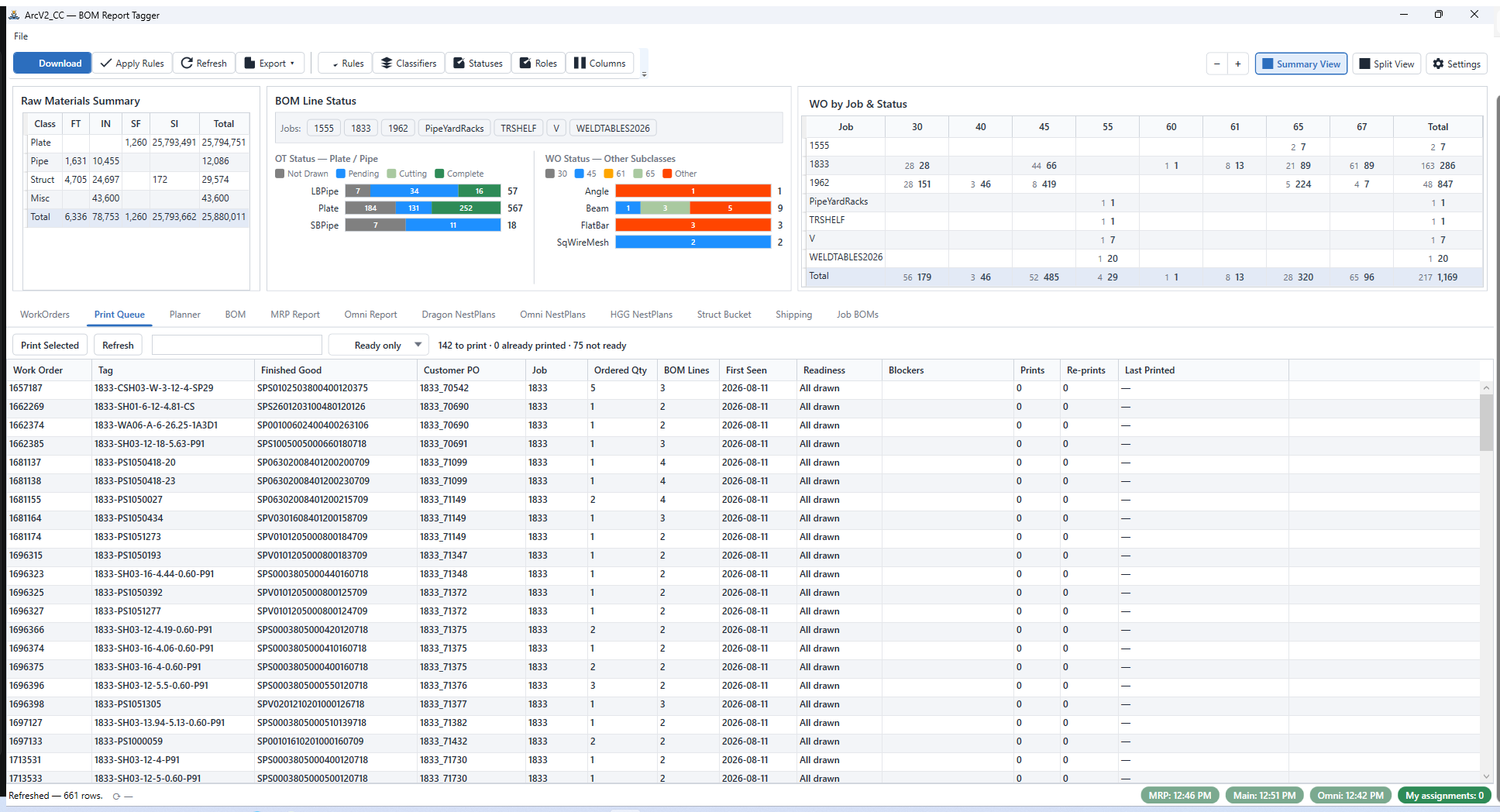
| Print Queue | What to print next, ready/not-ready gating, and per-work-order print and re-print counts. |
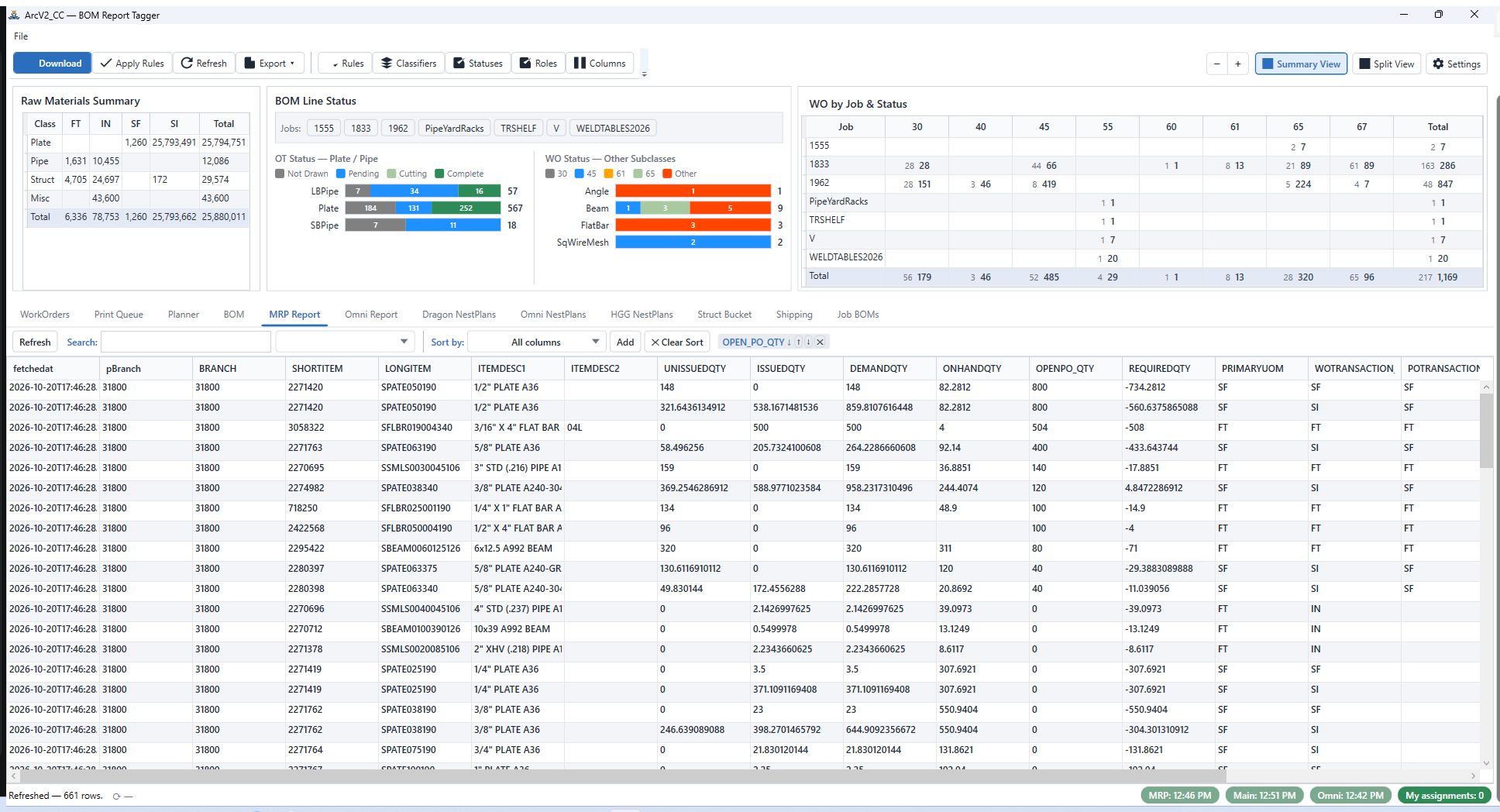
| MRP Report | Scheduled SSRS pulls for the MRP parts report, with cross-instance de-duplication. |
| Omni Report | The OmniWin parts feed — same scheduled-pull and de-dup pipeline. |
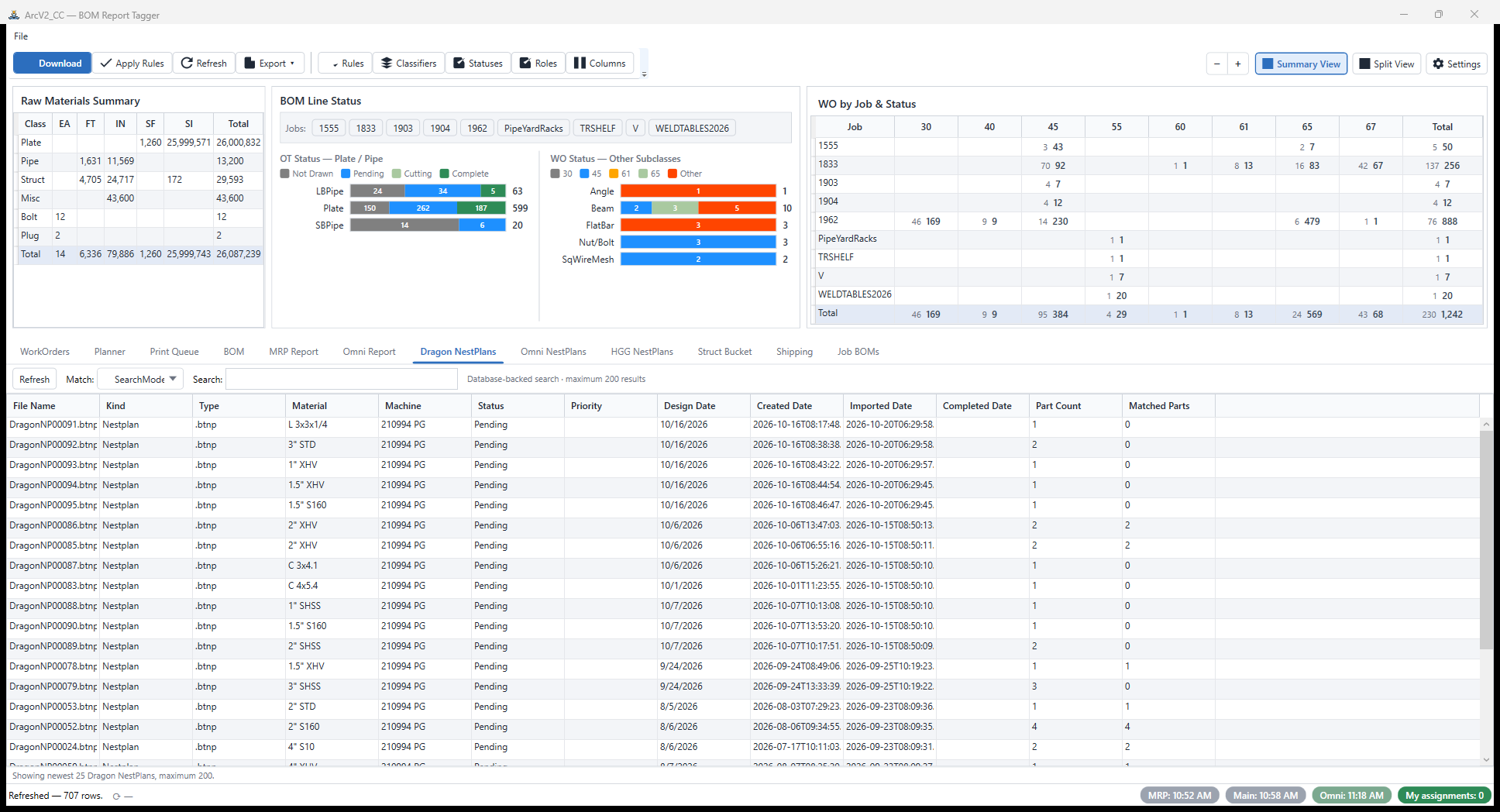
| NestPlans | Dragon, Omni, and HGG nest-plan intake, bucketed by machine and matched back to BOM lines. |
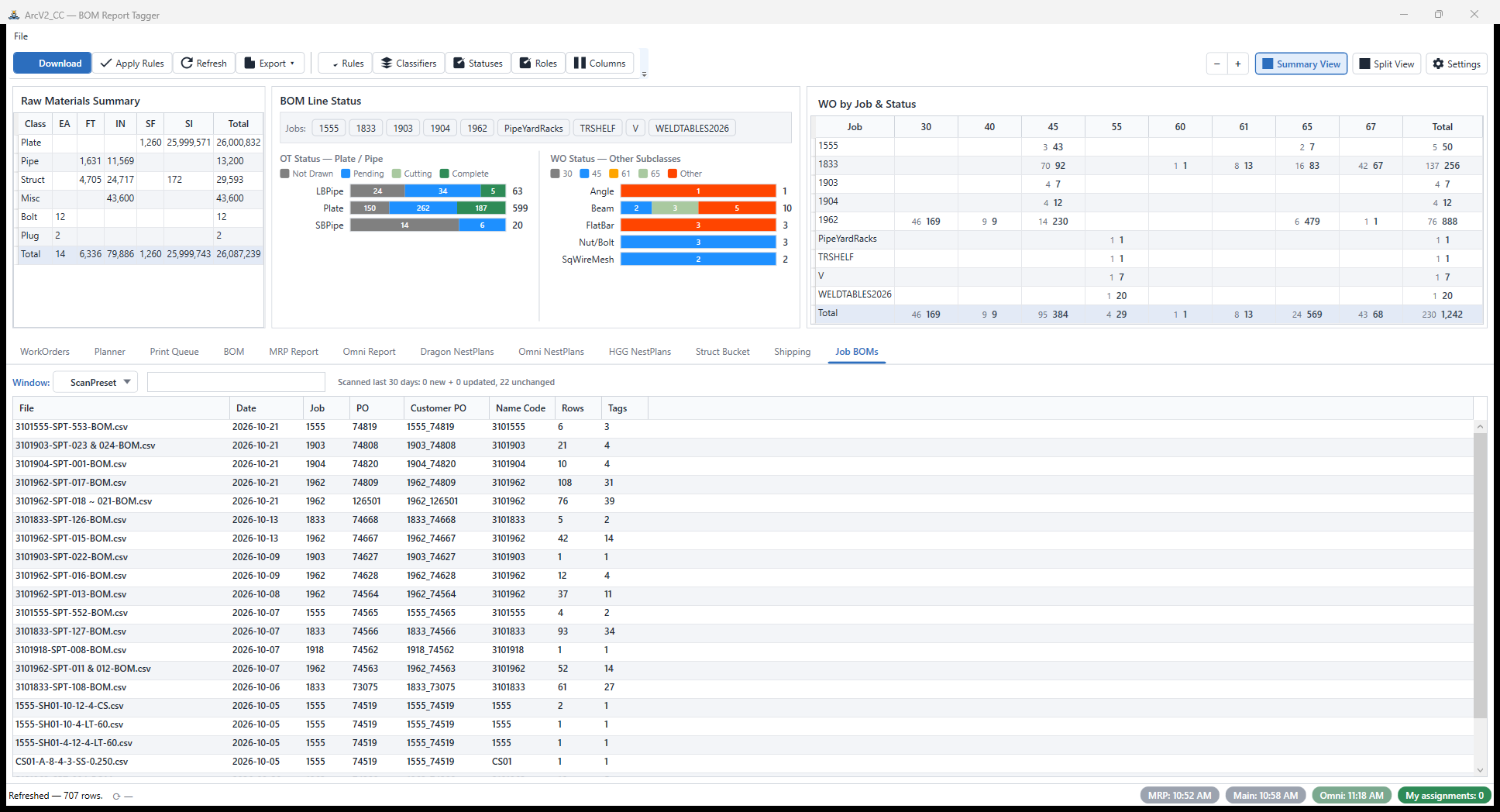
| Job BOMs | Per-job BOM workbooks assembled from the classified lines. |
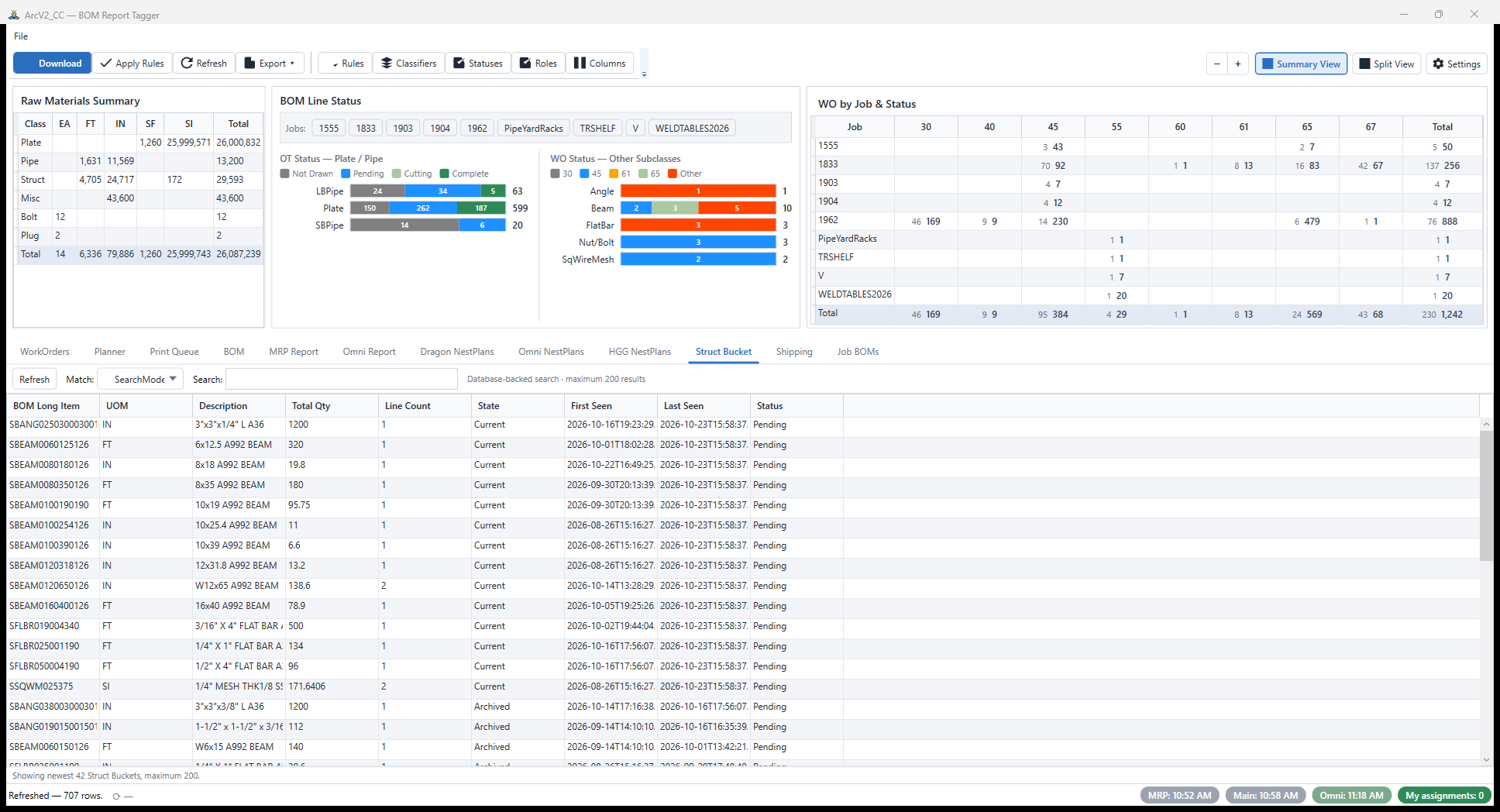
| Struct Bucket | Structural material held aside until its dependencies clear. |
| Shipping | Drill-down over shipped workbooks, from work order down to packing-list lines. |
How it fits the suite
CC never talks to the other apps directly. It commits to the shared arcv2.db on the network share and polls PRAGMA data_version every 30 seconds, so floor progress written by OpsTool appears in CC's grids within a minute — no IPC, no sockets, no message bus. The WoLineKey (work order minus the .0, plus the BOM line number) is the join key that ties everything together.
Anything CC prints goes through ArcV2_Print: watermarking, mandatory print confirmation, re-print reasons, and the shared print_events audit log.
Screenshots
The tabs
The rule engine
Statuses, roles & column settings
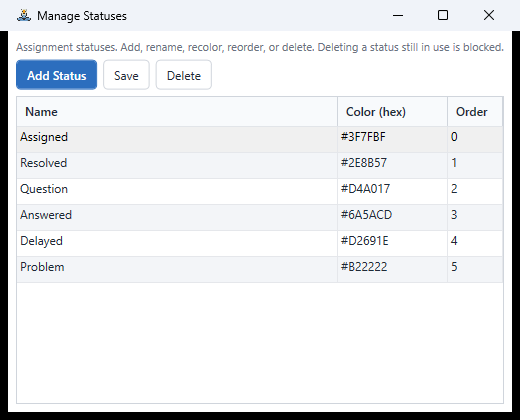
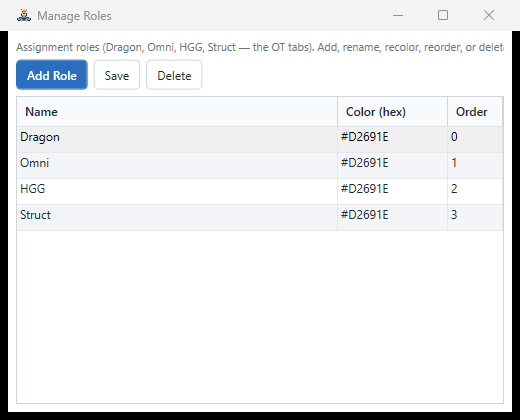
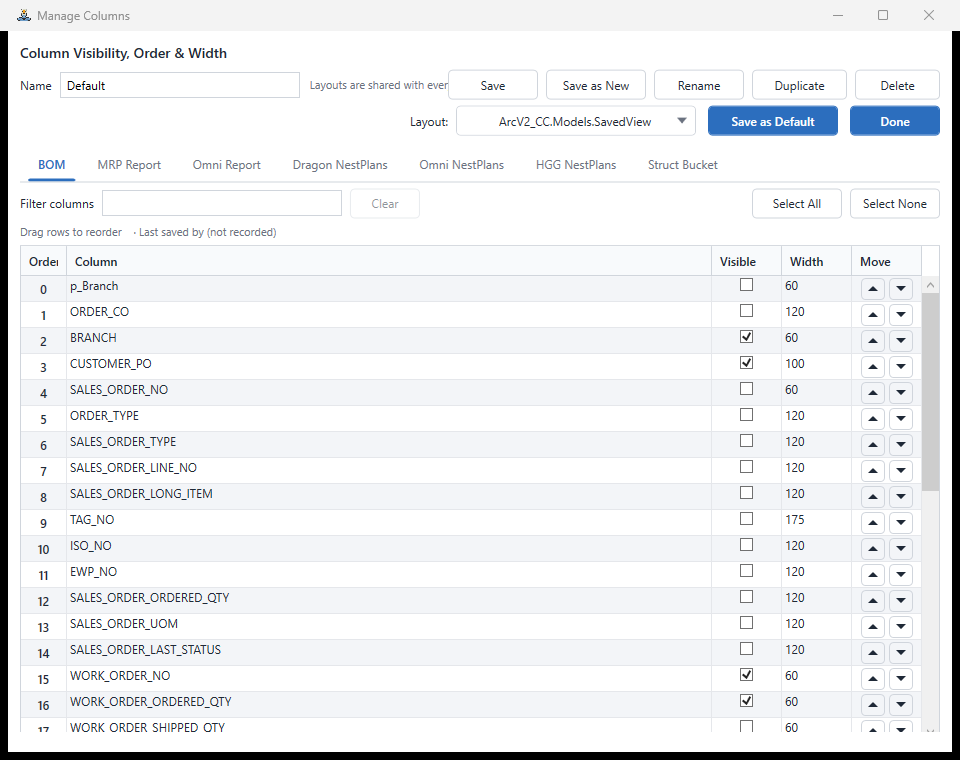
Popups & context actions
Engineering notes
- Startup performance. A sequenced startup chain with deferred tab loads took the window from roughly 95 seconds to about 13 seconds to a ready grid — on the same hardware and the same data.
- Rule engine. Classification is data, not code — multi-condition rules live in the database, so the shop re-tags lines without a rebuild.
- Report pipeline. PowerShell 7 embedded for the SSRS BOM download, SHA-256 verified; HttpClient + Atom feeds for the scheduled report pulls.
- Deployment. ClickOnce, so the shop updates itself from the network share.
Origin
CC descends from the ArcV2_System command center — the .NET-over-Avalonia prototype that established the JDE overlay pattern and the rule engine, carried forward into the production WPF suite.