The_Arc
The original document-workflow utility for JDE riders, BOMs, and NestPlans. This codebase became Bindr, and the ideas in it grew into the ArcSuite — which is the version to look at.
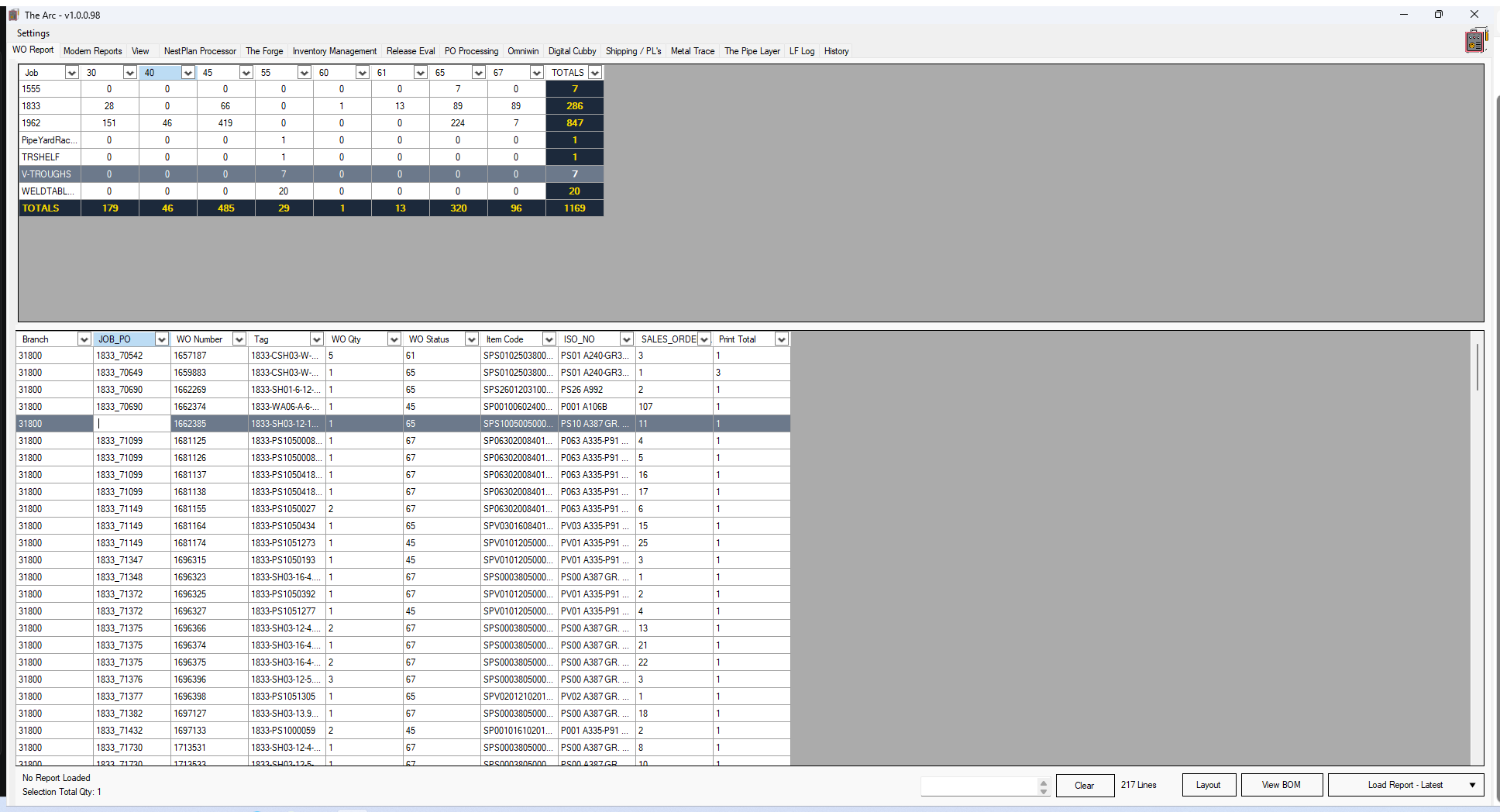
The_Arc, Bindr, and the ArcSuite are one lineage. The_Arc is the original name and state of the codebase; Bindr is that same code under a real name, with the roadmap and packaging filled in; the ArcSuite is where the ideas were rebuilt properly on a shared database. If you want to understand what this tool actually does today, read the ArcSuite page.
What it did
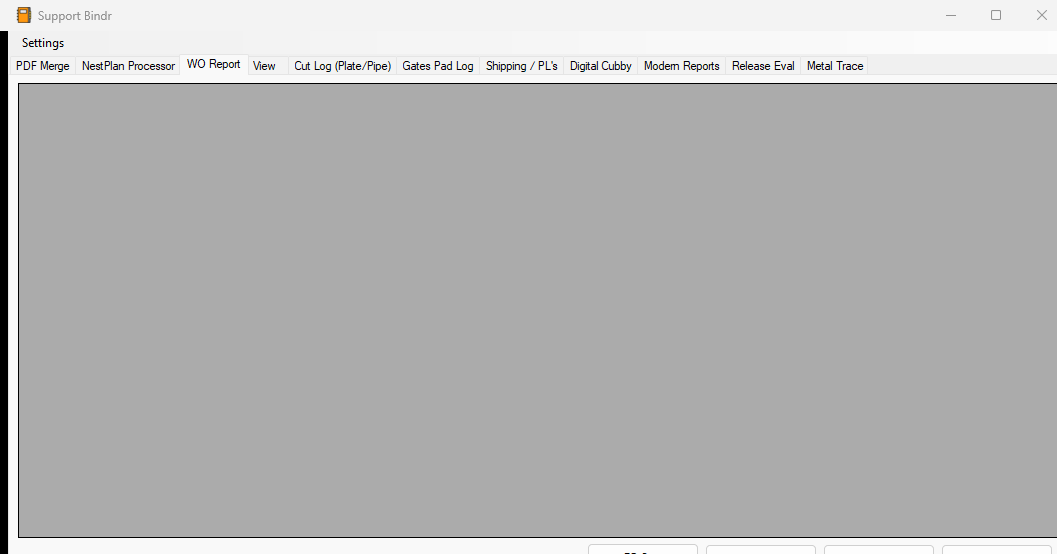
The_Arc automated JDE document workflows in a pipe-support shop. It pulled riders apart, extracted text from PDFs by mapped coordinates rather than parsing fixed layouts, merged support detail drawings into the right packages, cleaned BOM exports for paste into JDE, and displayed NestPlan metadata from the plasma cutter.
Every one of those features carried forward into Bindr unchanged in substance. What changed was the name, the packaging, and the completeness of the roadmap.
What Bindr added
Bindr was the same application with the rough edges filed off and the value made measurable. The core of it was smart PDF extraction and merging: load a rider PDF, read specific text out of every page, use it to match the right support-detail PDFs, and merge them into a single, correctly-ordered package — no clicking through folders, no re-ordering by hand.
| Feature | Time saved |
|---|---|
| Smart PDF extraction + merging | 5–30 minutes per PO |
| Process BOM (clean + clipboard) | 1–2 minutes per PO |
| Load SO / Load BOM from .xlsv | 30–45 seconds per PO |
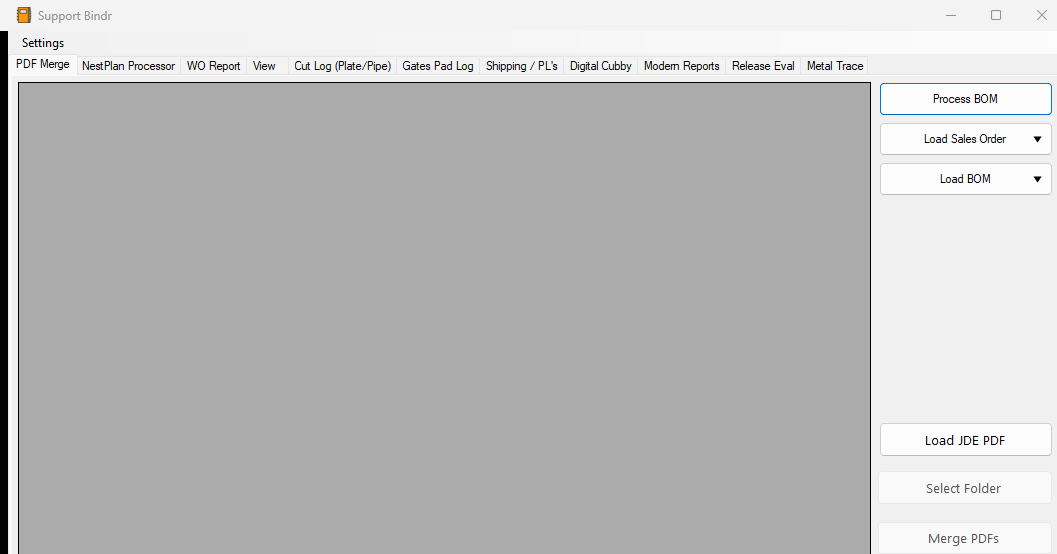
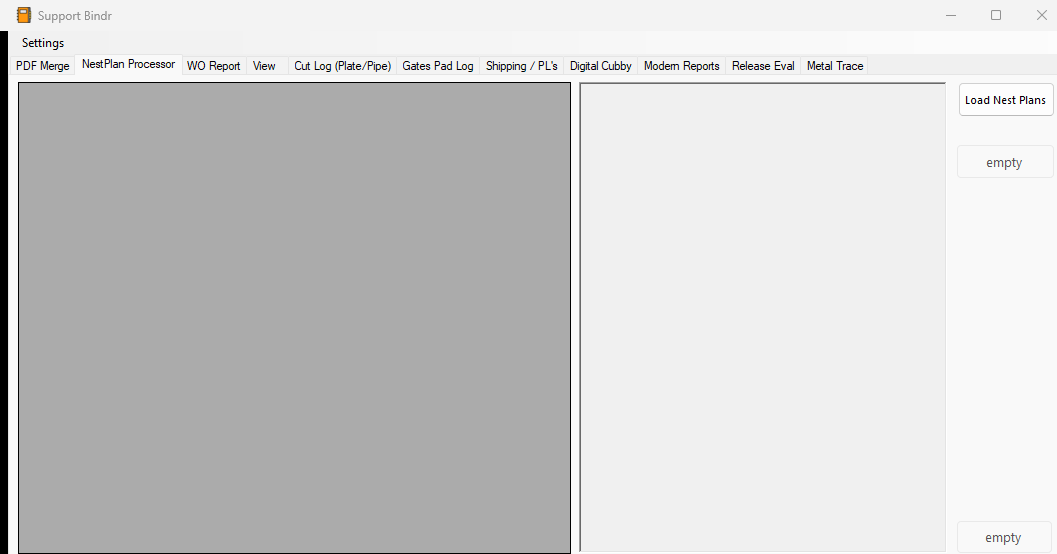
BOM processing cleaned CSV exports automatically — blank fields became 0, stray % characters were stripped, # symbols normalized — and dropped the result on the clipboard ready to paste into JDE. Load SO and Load BOM read .xlsv files on a background thread so the UI never froze. The NestPlan viewer parsed the plasma cutter's own instructions and surfaced part numbers and attributes in a grid, with right-click previews of the NestPlan PDF or its support detail.
JDE reporting rolled up every job and how many supports sat at each status, with drill-down on double-click and support detail on right-click. Today it loads from an Excel export; the design points at pulling the same data live from SQL.
Rendering came from PdfiumViewer and text harvesting from iTextSharp. Keeping the two separate meant the preview pane and the extraction logic couldn't corrupt each other — a class of bug I hit early and designed out.
What this version established
- PDF coordinate mapping — up to four mappable regions per page, so extraction survives form changes without code edits. This is the feature the whole tool is built around.
- Layered PDF handling — Pdfium for rendering, iTextSharp for text extraction, kept separate so a preview bug can't corrupt extracted data.
- The NestPlan viewer — reading the plasma cutter's own instructions and surfacing part numbers and attributes in a grid.
- Reusable preview machinery — one support-detail renderer serving the NestPlan view, the rider merge, and the reporting drill-downs.
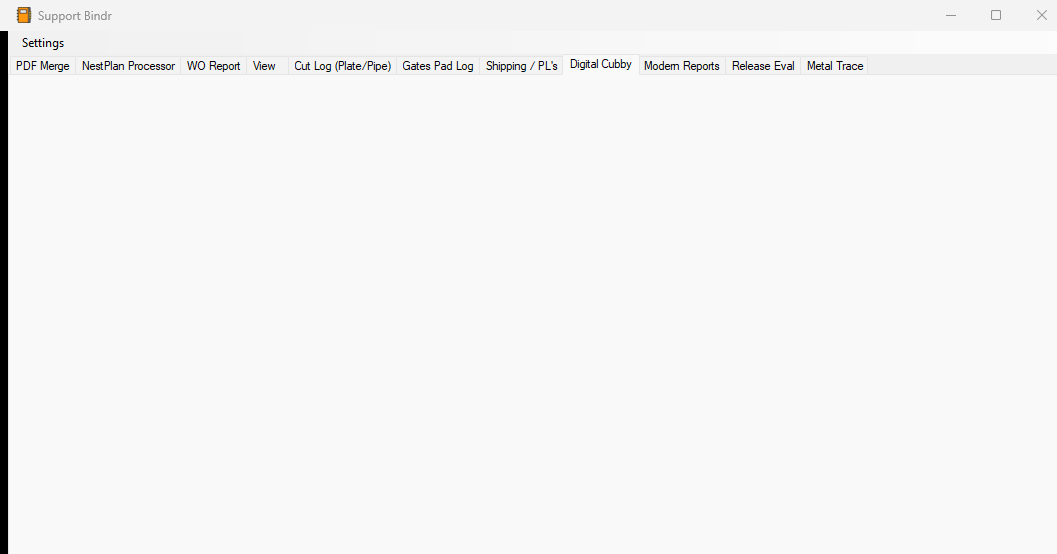
- The Digital Cubby idea — sorting in-progress supports electronically by material and thickness, which became a whole app in ArcSuite.
Why the name changed
"The Arc" was a working title that collided with too many other things — including later, larger systems of mine. Renaming it Bindr gave the tool its own identity and let the repository layout match the application name instead of carrying a leftover Bindr.csproj inside a directory called The_Arc.
Where the idea went next
The features prototyped here didn't stay contained. Tracked printing, the digital cubby, work order status rollups, and BOM classification all reappear — properly architected, with a shared database — in ArcSuite, the four-app suite that runs the space between "released to the floor" and "shipped".
This page exists for completeness: it's a genuine earlier version, and hiding it would make the rest of the portfolio harder to follow.